
AutoCAD Designer Cover Letter Examples You Can Actually Adapt in 2026
Most AutoCAD Designer cover letters simply list software skills and stop there. The examples below show how to connect your technical drafting abilities, project experience, and actual impact in clear, credible language that hiring managers recognize.
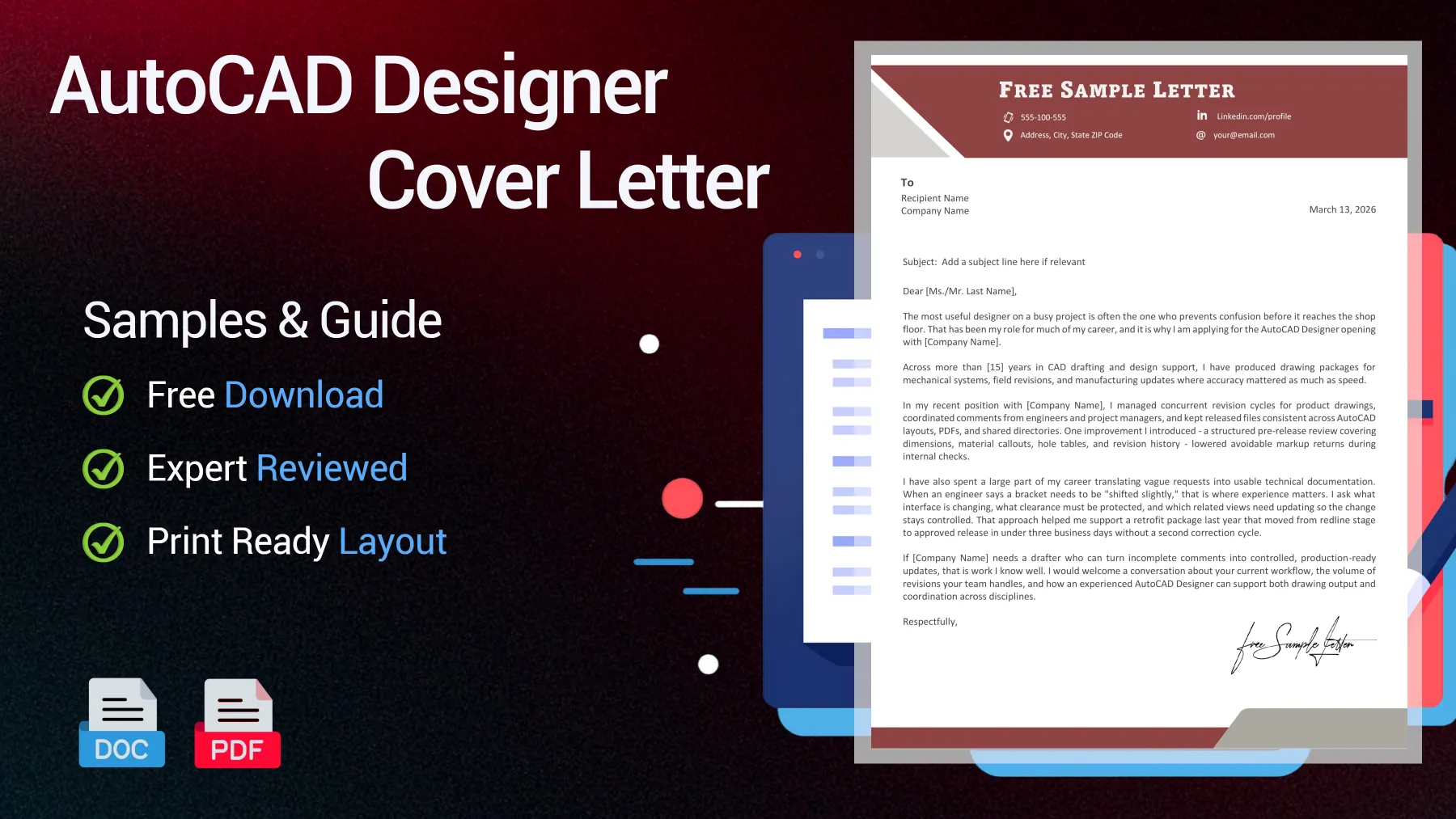
Free AutoCAD Designer Samples for Engineering Drafter Applications
The Bureau of Labor Statistics projects around 16,200 drafter openings each year, while Autodesk reports that 61% of leaders struggle to find candidates with the right technical skills. For your AutoCAD Designer cover letter to stand out, you must show real software expertise, drawing accuracy, and experience with project coordination - not just mention AutoCAD by name.
Junior AutoCAD Designer Cover Letter for a First Drafting Role
Built for a junior AutoCAD Designer, this sample highlights drawing accuracy, revision control, and project discipline without pretending to have years of experience.
Dear Hiring Manager,
Good drafting bridges the gap between an idea on screen and a part that can actually be built. That's the kind of contribution I hope to make at [Company Name]. Your AutoCAD Designer opening caught my attention because it brings together technical drawing, revision accuracy, and daily coordination with engineers - all areas I focused on during my training in [Program Name].
For my final design project at [University Name], I developed a complete drawing set for a compact conveyor assembly, including orthographic views, section details, and a bill of materials. Partway through, I noticed that a bracket interfered with the motor housing by a few millimeters. I caught the issue by comparing dimensions between my AutoCAD file and the 3D model, corrected the placement, and updated the affected sheets before review. That single fix prevented a full redraw and kept our team on schedule.
I've also made documenting changes a habit. In a separate class assignment using AutoCAD and SolidWorks, I managed version updates for a three-person project and set up a clear file-naming system so no one worked from outdated drawings. The result was fewer duplicate edits, quicker review cycles, and clearer feedback from our instructor. If you're seeking someone early in their career, my approach is simple: I listen closely, draw carefully, and verify every revision before it moves forward.
The fastest way I can help [Company Name] is by taking well-defined drafting tasks, turning feedback into clean updates, and providing your team with drawings they don't need to second-guess. I'd welcome a chance to discuss your drafting standards, preferred CAD workflow, and the kinds of projects a junior AutoCAD Designer would support.
Sincerely,
[Your Name]

Reviewed by James R., Hiring Manager
I notice a junior profile that stays credible: the candidate proves drafting discipline with concrete checks and avoids inflated claims of senior authority.
Senior Experienced Engineering Drafter Cover Letter
This version suits a senior Engineering Drafter who needs to show calm decision-making, documentation rigor, and the ability to turn vague requests into usable drawings.
Dear [Ms./Mr. Last Name],
On busy projects, the most valuable designer is often the one who prevents confusion before it ever reaches the shop floor. That's been my role throughout most of my career, and it's why I'm applying for the AutoCAD Designer opening at [Company Name].
With over [15] years in CAD drafting and design support, I've produced drawing packages for mechanical systems, field revisions, and manufacturing updates, where accuracy matters just as much as speed.
Recently at [Company Name], I managed simultaneous revision cycles for product drawings, coordinated feedback from engineers and project managers, and kept released files consistent across AutoCAD layouts, PDFs, and shared directories. I also introduced a structured pre-release review covering dimensions, material callouts, hole tables, and revision history, which reduced avoidable markup returns during internal checks.
Much of my career has involved turning vague requests into clear technical documentation. When an engineer mentions that a bracket needs to be "shifted slightly," experience counts: I clarify what interface is changing, what clearance needs to be maintained, and which related views require updates to keep the change controlled. Using that approach, I supported a retrofit package last year that moved from redline to approved release in under three business days, with no second correction cycle needed.
If [Company Name] needs a drafter who can turn incomplete comments into well-controlled, production-ready updates, that's work I know well. I'd welcome a conversation about your workflow, the volume of revisions your team handles, and how an experienced AutoCAD Designer can support both drawing output and cross-discipline coordination.
Respectfully,
[Your Name]
Reviewed by James R., Hiring Manager
I would keep this profile in the interview stack. The letter sounds experienced, practical, and grounded in the messy reality of engineering revisions.
Engineering Drafting Internship Cover Letter with Technical Basics
Written for an internship-level candidate, this sample presents solid technical basics, honest self-awareness, and useful support skills for an internship application.
Dear [Ms./Mr. Last Name],
I'm seeking an internship where drafting is treated as real project work, not just software practice, which is why I was drawn to the AutoCAD Designer opportunity at [Company Name]. As a current [degree or diploma] student, I want to continue improving in an environment where accuracy, revisions, and daily communication matter.
My coursework has given me hands-on experience with AutoCAD, technical drawing standards, and mechanical layouts. In a recent project, I created detail views and dimensions for a small frame assembly, then revised the drawings after peer and tutor feedback. The first version looked complete, but two dimensions conflicted and one note lacked enough manufacturing detail. Revising that package taught me to slow down, check every edit against the full sheet, and consider how another person will read the file.
Beyond the classroom, I've used SolidWorks and AutoCAD to rebuild simple parts and assemblies from reference images and measurements. That helped me become comfortable with scale, projection, and keeping files well-organized. Just as important, it taught me not to hide uncertainty: if I don't understand something, I ask early and document the correction so I don't repeat mistakes. That habit matters in an internship, where learning quickly depends on asking the right question at the right time.
If you need an intern who can support markups, keep drawing files organized, and improve quickly under review, I'm ready to help from day one. I'd appreciate the chance to discuss the software, project types, and day-to-day drafting tasks involved in this internship.
Sincerely,
[Your Name]
Reviewed by James R., Hiring Manager
I would keep this internship sample because it sounds honest and useful. The candidate knows where they are learning and where they can already help.
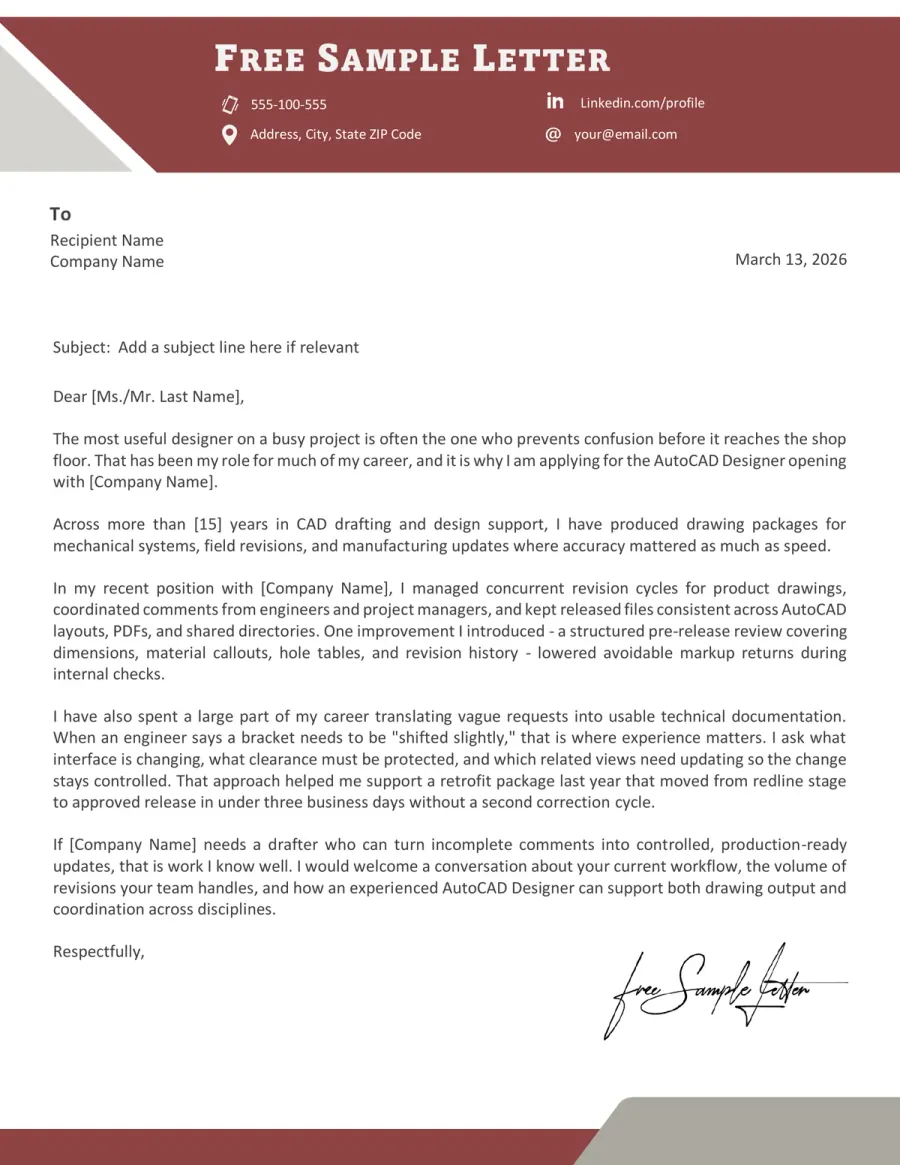
Preview the AutoCAD Designer Template Before Downloading in Word or PDF
Preview the AutoCAD Designer template below before downloading it in Word or PDF. This letter format is also suitable for CAD technician, engineering drafter, and mechanical design roles.
Turn These Samples Into Your Own Letter
Copying and pasting an AutoCAD Designer template is the quickest way to sound generic. Make sure to replace all placeholders with your actual tools, relevant project details, and the type of drafting work this employer is looking for.
➡️ More expert guidance in our article on how to write a cover letter that sounds specific, credible, and worth an interview
Match the role before the tone
Start by reading the job description as a drafter would, not just as a job seeker. Identify the software, drawing tasks, revision responsibilities, and team environment, then let those details guide your opening lines.
See an example
Your posting stood out because the role combines AutoCAD drafting, drawing revisions, and day-to-day coordination with engineers - the same mix I handled on [project type] work at [School/Company].
Replace vague experience with specific evidence
Don't just claim that you're detail-oriented. Give an example of a drawing task you completed, an issue you corrected, or a review cycle you managed. Concrete evidence is far more persuasive than polished adjectives.
See what recruiters notice
On [project name], I integrated engineering markups into the latest drawing set and rechecked notes, dimensions, and title blocks before resubmission.
Name the tools that fit the work
Keep your software mentions selective. Only bring up AutoCAD, SolidWorks, or GD&T when they relate to an actual task, like 2D layouts, drawing packages, fabrication details, or revision control.
See what to include
I use AutoCAD for clear 2D layouts and drawing updates, and I rely on SolidWorks when the role requires model-based checks before revising production documents.
Adjust the level of responsibility
A junior cover letter should sound teachable. A senior version should show confidence working under revision pressure. An internship sample should demonstrate useful support habits without overstating experience or authority.
See what to say
As a junior candidate, I can take redlines, update sheets carefully, and ask the right question early so the next review cycle moves faster and with fewer corrections.
Close with a technical next step
Avoid flat, generic closings. Instead, end your letter by proposing a specific conversation about drawings, drafting standards, project types, or review processes. This approach feels more credible than a standard request for consideration.
See a closing line
I would welcome the chance to discuss the drawing standards your team uses and the type of drafting backlog this AutoCAD Designer role would support first.
Keyword Radar for AutoCAD Designer Applications
- AutoCAD
- Revision control
- GD&T
- Drawing packages
- SolidWorks
- Production-ready drawings
- BOM
- 2D layouts
- Engineering markups
- File naming consistency
- Manufacturing-ready documentation
- Assembly views
- Standards compliance
- Detail sheets
Do & Don't for a Credible AutoCAD Designer Cover Letter
Recruiters scan these letters for signs of real judgment. In this field, credibility comes from specific drafting examples, a realistic sense of your role, and language that's clearly tied to drawings, revisions, and project teamwork.
Red Flags That Weaken the Letter
Red Flags- List software without tying it to drawing work
- Claim senior-level impact with no project context
- Use generic lines about being detail-oriented
- Sound vague about revisions, markups, or standards
Trust Signals That Strengthen the Letter
Trust Signals- Name the tools only when they support a real task
- Use drafting language tied to sheets, layouts, notes, or BOMs
- Keep the scope believable for junior, senior, or internship level
- Sound easy to work with across engineers and reviewers
FAQ - AutoCAD Designer Cover Letter
Should I mention SolidWorks if the job ad is mostly about AutoCAD? Toggle answer
Yes, but only if you connect it to real work. Recruiters aren't interested in name-dropping software. They want to see how you used SolidWorks to check fit, update models, or support drawing revisions.
Does an AutoCAD or SolidWorks certification actually help in the letter? Toggle answer
A certification helps when it proves a larger point. Mention it briefly, then show what you can actually do with those skills. A certificate alone is less convincing than a clear example of accurate drafting work.
How do I sound credible for a CAD technician role if I only have school projects? Toggle answer
Treat one school project as real work. Explain the drawing set, the revision you made, an issue you caught, or how you followed industry standards. That's much more believable than trying to present student work as full professional experience.
Can I apply for an AutoCAD Designer role without an engineering degree? Toggle answer
Yes, especially for technician or drafting-focused roles. In that case, focus your letter on your software skills, drawing discipline, revision habits, and evidence that you can support engineers without exaggerating your responsibilities.
Do recruiters expect a portfolio link in the cover letter for drafting roles? Toggle answer
Not always, but it's helpful for junior, internship, or career-change profiles. A brief mention is enough. The cover letter opens the door, and your portfolio shows your work is worth reviewing.
TL;DR - What Makes an AutoCAD Designer Cover Letter Worth Reading
Your AutoCAD Designer cover letter must show more than software familiarity. Include one real drafting example, one correction or revision that made a difference, and proof that you understand how drawings flow between design, review, and production. The biggest mistake is sending a letter that lists tools but shows no real drafting judgment.
What sets strong candidates apart isn't just technical vocabulary. It's specific, controlled details. Recruiters notice when someone has handled redlines, double-checked dimensions, and understands that even a small drawing error can disrupt a whole workflow. That's the credibility most applicants miss.