
Engineering & Technical Resume Template for Design, Testing and Project Roles
This engineering and technical resume template helps you present design work, testing, troubleshooting, maintenance, and project support experience clearly and credibly. It is designed for job seekers who want a professional resume or CV layout that remains organized, practical, and easy to customize for technical roles.
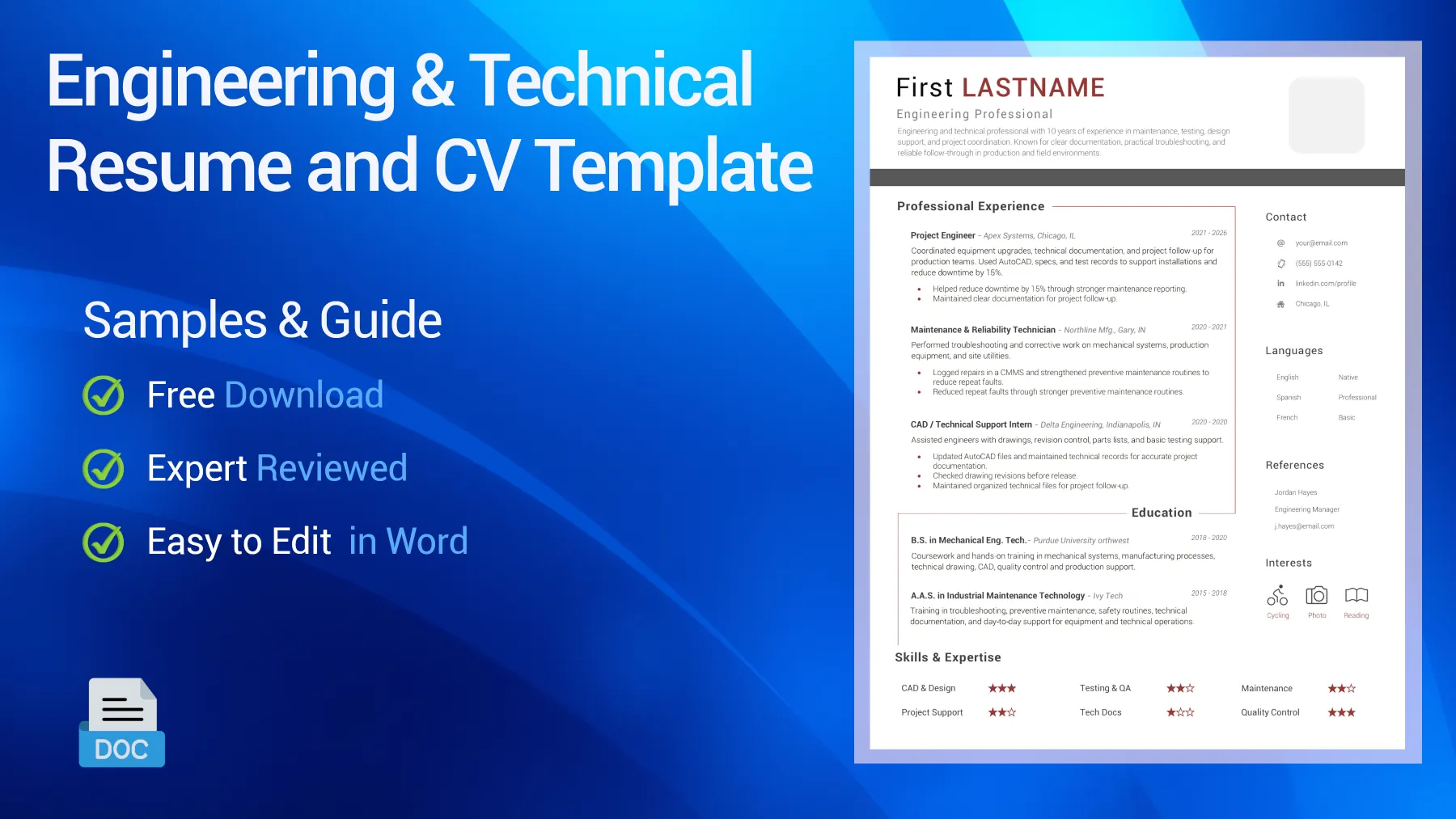
Table of Contents
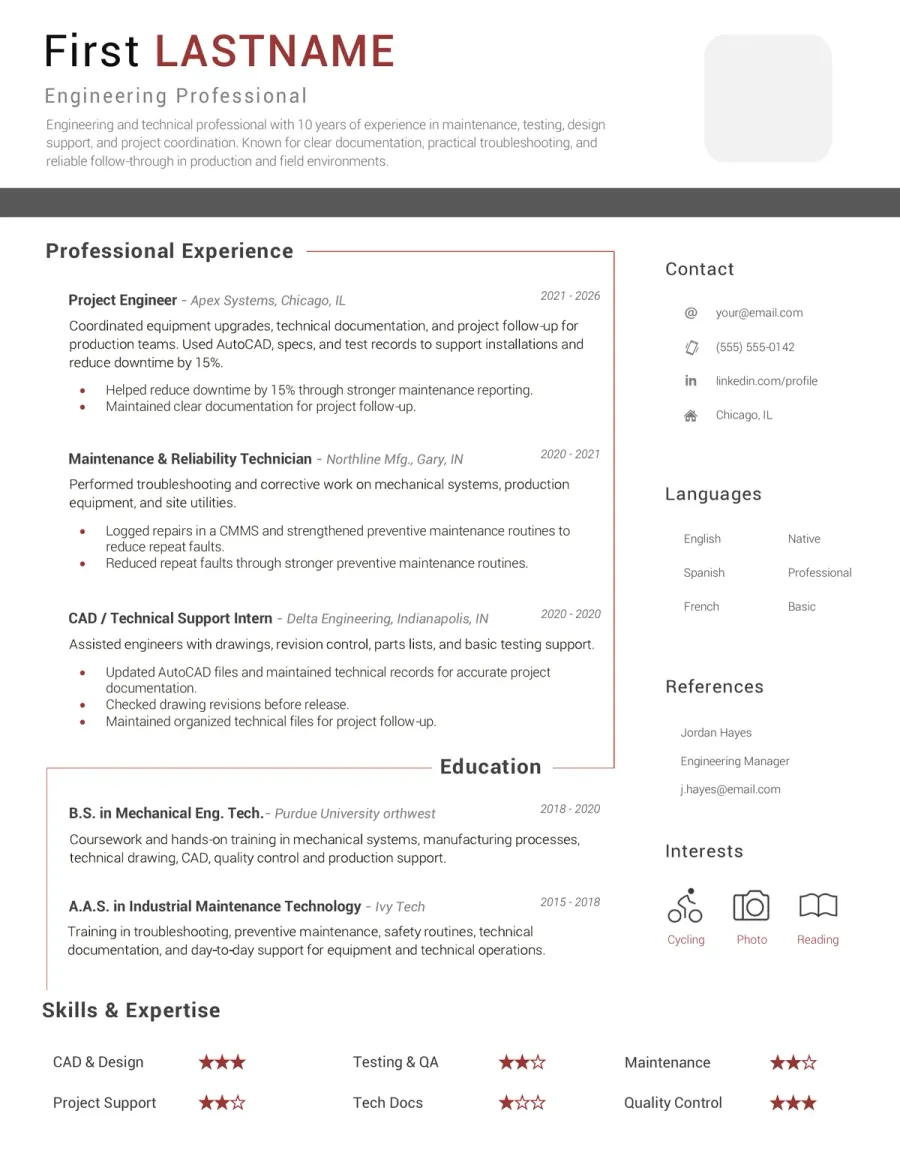
Preview of the Free Engineering & Technical CV Example You Can Download
Choose this editable engineering resume template if you prefer a clean, technical layout that is easy to adapt for project-based hiring. This resume and CV format works well for engineering, CAD, testing, maintenance, production, and broader technical support roles. Review the structure first, then download the Word version and tailor it to your own experience.

Reviewed by Daniel K., Resume Consultant
This layout works because it looks structured without feeling rigid. It is well suited to engineering and technical roles, especially when recruiters want to see tools, drawings, testing, maintenance, and project work presented in a clear, readable format.
Who This Engineering & Technical Resume Template Works Best For
This template is designed for technical roles that involve drawings, testing, problem-solving, systems, equipment, and project execution. Whether you call it a resume or a CV, it works best when employers expect precision, reliability, and clear evidence of hands-on engineering or technical work.
- Engineering candidates who need a cleaner resume for design work, calculations, technical drawings, testing, and project coordination.
- Technical and maintenance applicants applying for roles built around troubleshooting, inspections, repairs, equipment reliability, and process support.
- CAD, drafting, and design support candidates who need a stronger CV for drawings, revisions, specifications, and production-ready documentation.
- Manufacturing and production support applicants whose work sits between engineering, quality control, technical follow-up, and continuous improvement.
- Recent engineering or technical graduates who need a polished document for entry-level engineering, technician, design, or project support roles.
- Candidates moving between engineering support, field work, testing, and broader technical operations who need a format that can reflect both hands-on and project-based strengths.
How to Adapt This Engineering & Technical Resume Template
Engineering hiring covers a wide range of responsibilities, from design and calculations to maintenance, testing, and production support. The strongest technical resumes go beyond simply saying “detail-oriented” or “problem solver”. They specify the equipment, drawings, systems, tools, standards, or projects you have actually worked with - and the kinds of problems you have addressed.
Define your technical lane before you write the summary
Engineering, technician, CAD, maintenance, and project support roles often overlap, but recruiters still want clarity at a glance. Begin by aligning your headline and summary with the specific type of technical work you are targeting.
See an example
If the job is more focused on maintenance or field support, highlight troubleshooting, inspections, repairs, and equipment reliability near the top. If it is design-oriented, lead with drawings, CAD tools, specifications, and project revisions.
Show the tools, systems, and equipment that prove your scope
Generic technical wording is not enough here. Recruiters respond better when they see the software, machines, instruments, standards, or systems that you used in your day-to-day work.
See What to prioritize
AutoCAD, SolidWorks, PLCs, test equipment, maintenance logs, quality checks, production lines, technical drawings, and preventive maintenance plans all carry more weight than “strong technical skills.”
Turn tasks into technical outcomes
An engineering resume is stronger when each bullet point shows what you improved, tested, repaired, documented, or maintained. Wherever possible, connect your tasks to a machine result, project outcome, safety improvement, deadline, or quality gain.
See Better phrasing
“Reduced downtime by improving preventive maintenance checks on [equipment]” reads better than “responsible for maintenance operations.”
Balance engineering detail with readability
Some candidates overload their resume with technical terms, part numbers, or lists of tools, while others are too vague. Aim to make your technical level clear without creating a wall of jargon or scattered detail.
See Quick rule
For technician roles, lead with equipment, troubleshooting, testing, and reliability. For engineering roles, prioritize design work, calculations, project support, documentation, and cross-team coordination.
Match the document to the level and environment
A junior technical CV should not sound like an engineering manager’s profile, and a field technician’s resume should not read like that of a design engineer. Match your tone, bullet points, and evidence to the level of ownership the job requires.
See Good direction
For entry-level profiles, lead with labs, projects, internships, tools, and relevant technical coursework. For experienced roles, emphasize ownership, project delivery, troubleshooting depth, process improvements, or team coordination.
Keywords Recruiters Often Expect on This Type of Resume
- Technical drawings
- CAD software
- Troubleshooting
- Preventive maintenance
- Testing and inspection
- Root cause analysis
- Equipment reliability
- Quality control
- Process improvement
- Technical documentation
- AutoCAD / SolidWorks
- PLC basics
- Manufacturing support
- Project coordination
- Field service
- Mechanical systems
- Electrical systems
- Safety compliance
- Specifications review
- Installation and commissioning
- Downtime reduction
- Engineering support
Do & Don’t - What Makes an Engineering Resume Easier to Trust
Technical recruiters often decide quickly whether a resume is grounded in real engineering work or just broad problem-solving language. The strongest resumes link tools, systems, drawings, testing, and project examples in a way that feels practical and credible.
What Weakens This Type of Resume Fast
Red Flags- Using a vague summary that never defines your technical lane
- Listing tools or software with no sign of real use
- Relying on phrases like hands-on or problem solver without proof
- Mixing design, maintenance, and project tasks with no clear hierarchy
- Writing bullets that show activity but not outcomes, scope, or technical value
What Makes the Resume Feel Stronger Immediately
Trust Signals- State whether you target engineering, technical support, CAD, maintenance, or project work
- Show the equipment, tools, drawings, or systems you actually handled
- Use bullets that connect technical tasks to measurable outcomes
- Highlight testing, repairs, design support, documentation, or reliability when relevant
- Keep the layout structured, clear, and easy to scan in under a minute
FAQ - Engineering & Technical CV Template
Can I use this resume template for both engineer and technician jobs? Toggle answer
Yes. That is one of its strengths. It covers common ground across engineering, technical support, CAD, testing, maintenance, and project work. You just need to adjust the emphasis based on whether the role is more design-based, hands-on, or project-focused.
Is this template suitable for a maintenance or technical support application? Toggle answer
Yes. It works well for technical and maintenance roles if you move troubleshooting, inspections, repairs, equipment checks, preventive maintenance, and reliability tasks closer to the top of your resume.
What should I highlight first for a design or engineering role? Toggle answer
Start with the tools, drawings, calculations, specifications, projects, and technical outputs most relevant to the job. Employers typically want to see what systems or designs you have worked on before reading general skill claims.
Should I include CAD software, machines, or testing tools on my resume? Toggle answer
Yes, if you actually used them. In engineering and technical hiring, listing tools like AutoCAD, SolidWorks, measuring instruments, PLC environments, or maintenance systems helps recruiters assess your fit more quickly.
Can this template work for manufacturing, field service, or project support roles? Toggle answer
Yes. Just move the most relevant aspect of your experience higher on your resume, whether that is production support, site work, commissioning, technical follow-up, quality checks, or project coordination.
Can I edit this resume template in Microsoft Word, LibreOffice, or Google Docs? Toggle answer
Yes, in most cases. The template is designed to be easy to edit in Word, but it should also remain usable in LibreOffice and Google Docs. Minor spacing or font differences may appear depending on the software.
What to Do Next With This Resume Template
A strong engineering and technical resume or CV should quickly tell the recruiter what kind of technical profile you offer - engineering, design support, maintenance, testing, or broader project-based work. Keep the layout structured, lead with tools and experience that fit the role, and avoid the common mistake of sounding generally technical without showing the systems, drawings, equipment, or issues you handled.
In this field, credibility comes from specifics. Recruiters notice when your resume highlights tools, projects, inspections, repairs, drawings, or measurable improvements clearly. That is what gives an engineering and technical resume real weight.