
Technical Support Cover Letter Examples for Help Desk Jobs in 2026
Recruiters look for real evidence, not just jargon. These technical support cover letter examples show how to translate tickets, troubleshooting, and user communication into a stronger application.
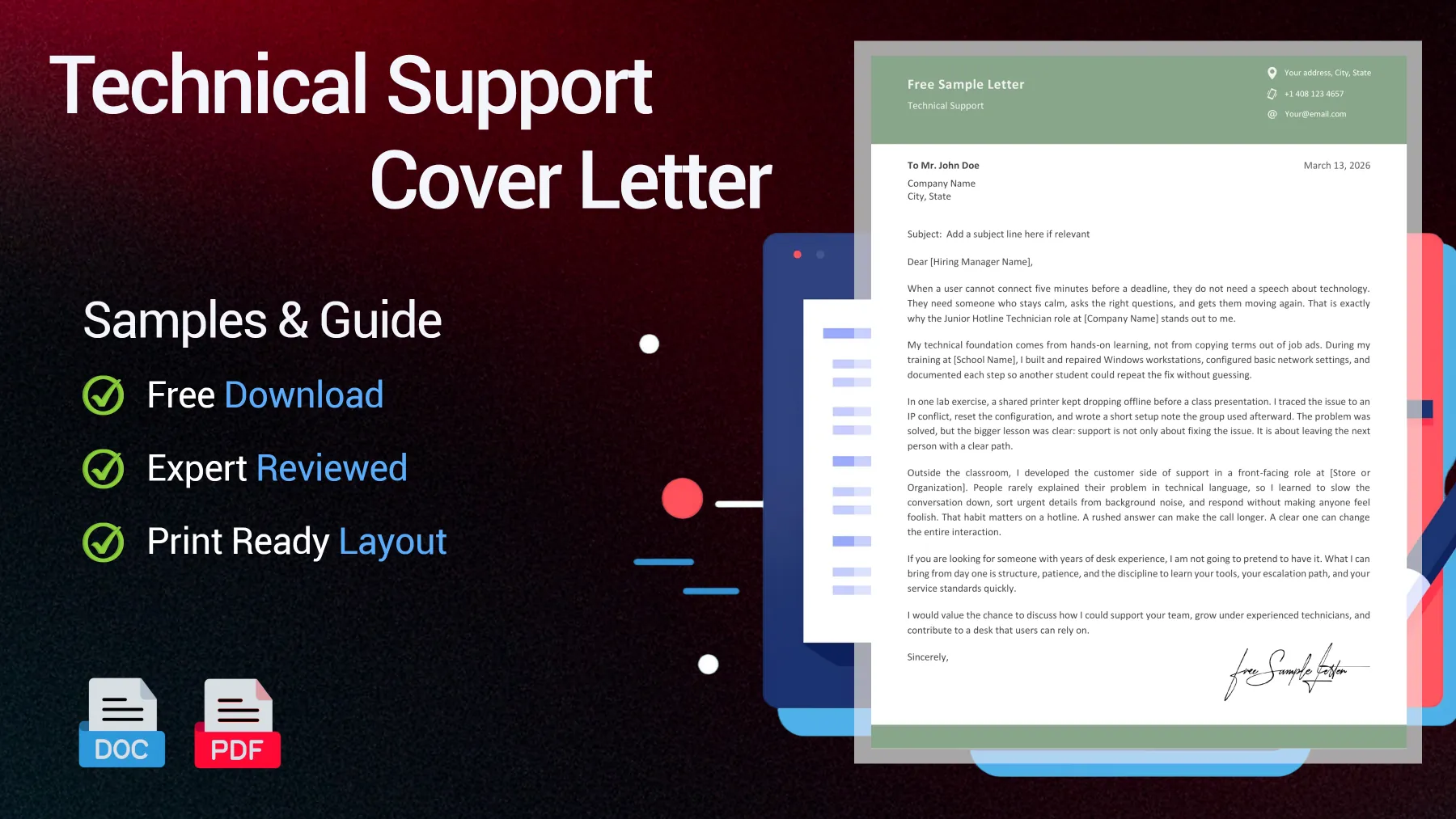
Free Technical Support Application Samples
According to the BLS, in 2025, 97% of computer user support specialists needed more than just basic people skills. This shifts your writing strategy: your letter should demonstrate calm troubleshooting and clear user communication, not just list technical tools.
Entry-Level Help Desk Operator Cover Letter
A junior candidate needs proof without pretending to have years on the phones. This version links entry-level technical support skills with clear user-facing judgment.
Dear [Hiring Manager Name],
When a user can’t connect five minutes before a deadline, they don’t need a technical lecture. They need someone who stays calm, asks the right questions, and gets them moving again. That’s exactly why the Junior Hotline Technician role at [Company Name] caught my attention.
My technical foundation comes from hands-on learning, not just memorizing terms from job ads. During training at [School Name], I built and repaired Windows workstations, set up basic network configurations, and documented each step so another student could repeat the fix without confusion.
In one lab, a shared printer kept dropping offline before a class presentation. I tracked the problem to an IP conflict, reset the configuration, and wrote a quick setup note that the group used later. The fix worked, but the bigger lesson was clear: support isn’t just about solving the problem. It’s about leaving the next person with a clear path.
Outside the classroom, I developed my customer-facing skills in a front-line role at [Store or Organization]. Most people didn’t describe their problems in technical terms, so I learned to slow the conversation, separate urgent details from background noise, and respond without making anyone feel foolish. That habit matters on a hotline: a rushed answer can drag out a call, but a clear one can change the whole interaction.
If you’re looking for years of desk experience, I won’t pretend to have it. What I can offer from day one is structure, patience, and the discipline to quickly learn your tools, escalation process, and service standards.
I’d appreciate the chance to discuss how I can support your team, learn from experienced technicians, and contribute to a help desk users can rely on.
Sincerely,
[Your Name]

Reviewed by James R., Hiring Manager
I like the restraint here. The layout breathes, the examples feel believable, and the applicant never hides weak experience behind big claims.
Senior IT Technician Support Cover Letter
Designed for a senior IT technician, this sample highlights escalations, SLA discipline, and process control in a technical support cover letter recruiters can trust.
Dear [Hiring Manager Name],
Reliable technical support is judged in the quiet moments: the ticket gets triaged correctly, the user receives a clear answer, and a small issue never escalates into a larger outage. That’s the standard I’ve maintained throughout [number] years in IT support, which is why I’m interested in the Senior IT Technician Support role at [Company Name].
In my current position at [Current Company], I manage a mixed queue of end-user incidents, access issues, hardware failures, and Microsoft 365 support. Over the past year, I’ve handled about [number] tickets per month while keeping SLA compliance above [number]%. I also reduced repeat tickets in one category by [number]% by rewriting our troubleshooting flow for password sync and profile-related issues. The improvement didn’t come from just working faster. It came from tightening the process, documenting known causes, and ensuring the first technician captured the right information before escalation.
I ensure quality by reproducing the issue whenever possible, logging device state, user impact, and actions taken before closing or escalating a ticket. This habit has allowed me to support site rollouts, remote users, and priority incidents without leaving incomplete notes for the next technician.
When a recent VPN access issue affected [number] users after a policy change, I traced the fault to a client configuration mismatch, coordinated with the network team, and updated the internal knowledge base the same day so future cases could be resolved faster.
Senior support also means helping the team around you perform better. I regularly coach junior technicians on ticket hygiene, escalation thresholds, and user communication because strong support is built on repeatable standards, not individual heroics.
I’d welcome the chance to discuss how my support process, service desk discipline, and technical judgment could strengthen operations at [Company Name].
Sincerely,
[Your Name]
Reviewed by James R., Hiring Manager
The strongest point for me is control. This letter sounds like it was written by someone who has handled pressure, queues, and recurring incidents before.
Internal Promotion Cover Letter for a Support Manager Role
Built for an internal promotion, this sample positions a support professional as the next responsible manager through numbers, coaching, and operational judgment.
Dear [Manager or Committee Name],
The quickest way I can help [Company Name] as Support Manager is by reducing avoidable escalations, giving the team clearer priorities, improving follow-up, and increasing visibility into what slows the desk down. After [number] years in our support environment, I believe I’m ready to contribute at that level.
I know the queue, the tools, and the pressure points because I’ve worked inside them. In my current Technical Support role, I handle complex tickets, assist with escalations, and regularly step in when volume spikes or conversations become challenging.
Over the last [number] months, I helped reduce backlog by [number]% by tightening triage rules, flagging stalled cases earlier, and creating brief update templates that improved response consistency. I also built a weekly review sheet for repeat incidents so we could separate isolated issues from patterns worth fixing upstream.
This application isn’t about moving from support to management in theory. It’s about shifting from individual contribution to structured team impact. I’ve already trained new starters on ticket notes, escalation timing, and call handling. During holiday coverage, I reorganized desk priorities so service levels held despite reduced staffing. I also worked with [Product or Infrastructure Team] to clarify ownership on recurring cases, which shortened handoff delays and gave technicians a more reliable path to resolution.
If selected for this promotion, my first priority would be clear: protect service quality, support the team with strong standards, and use our data to remove friction before it reaches customers. The role matters to me because I already care about how the entire desk performs, not just the tickets under my own name.
I’d welcome the opportunity to discuss my approach to the transition, the team’s current needs, and which support outcomes to improve first.
Sincerely,
[Your Name]
Reviewed by James R., Hiring Manager
I would take this internal promotion letter seriously because it speaks the language of team output, not personal entitlement or vague leadership claims.
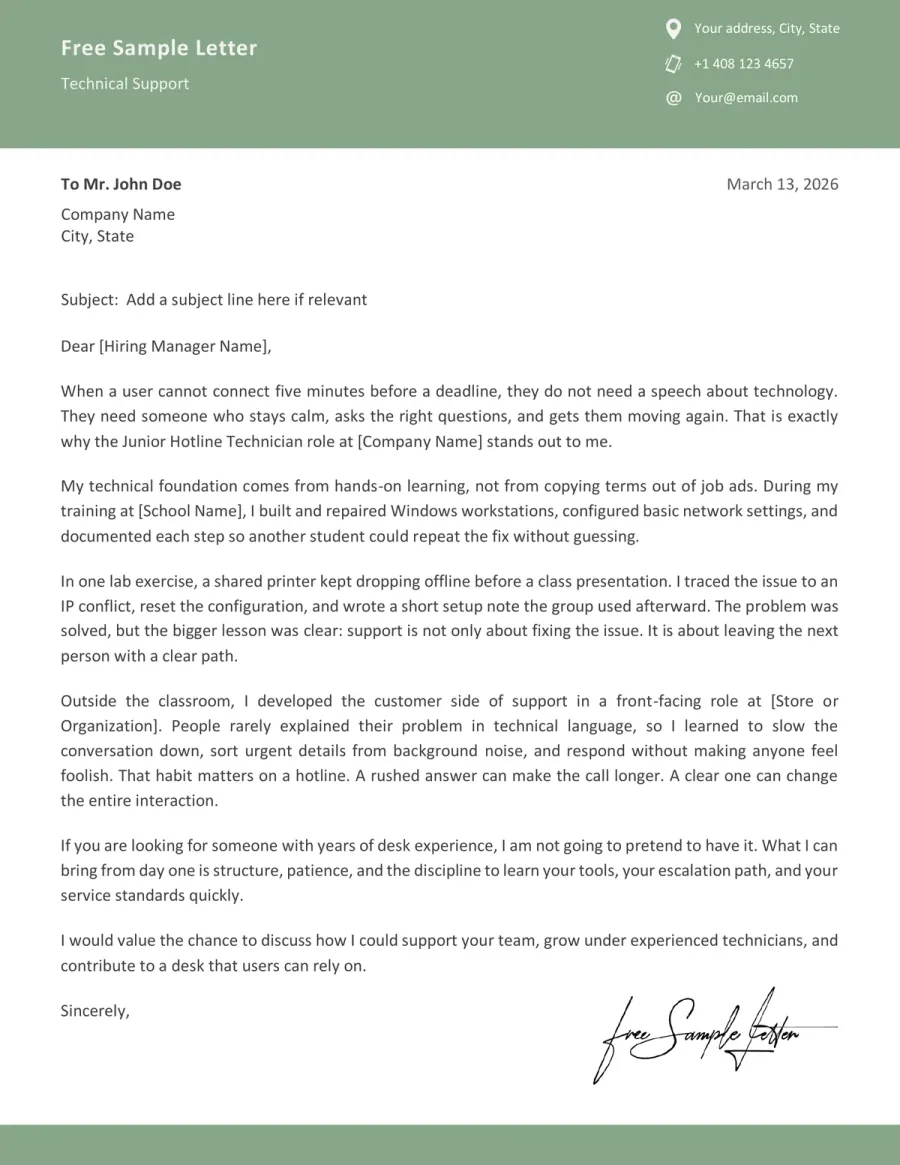
Preview the Technical Support Template Before Word and PDF Download
Preview the technical support application letter before downloading. Files are available in both Word and PDF formats, so you can review the template and choose the version that works best for your process.
Turn These Technical Support Samples Into Your Own
Copy-paste letters are quickly dismissed in technical support. Recruiters recognize generic wording instantly. Instead, replace vague claims with your actual tools, specific ticket context, user impact, and examples of your escalation decisions based on real support experience.
➡️ More expert advice in our article how to write a technical support cover letter that sounds real
Start with the support environment
Before you write your letter, clarify the support setting, whether it’s an internal help desk, telecom hotline, SaaS support, or field-based IT. This context shapes your choice of tools, your tone, and what counts as meaningful evidence.
See an example
In my current support role at [Company Name], I handle first-line tickets for [number]+ users, covering login issues, device setup, and basic Microsoft 365 troubleshooting.
Replace generic skills with proof
Don’t just say you’re patient, organized, or technical. Connect every claim to a real action: for example, a call you handled well, a ticket you closed efficiently, or a user issue you solved under pressure.
See what to include
When a user lost access before a client meeting, I checked recent password changes, cleared cached credentials, and restored access within [number] minutes.
Name the tools that fit the role
Support letters are stronger when the software and systems you mention match the job description. Include your actual stack, such as ticketing tools, remote access software, Active Directory, Windows, or M365, only where it adds value.
See tool wording
My background includes [Ticketing System], remote troubleshooting through [Remote Tool], account support in [Directory Tool], and clear case notes for clean escalations.
Show your judgment, not just your speed
Hiring managers want more than just quick fixes. They look for evidence of how you prioritize, when you escalate, and how you communicate next steps to non-technical users without adding confusion.
See a model line
I don’t hold onto tickets longer than necessary. If an issue involves infrastructure or security, I escalate early and leave clear notes for the next technician to follow.
Finish with a support-minded closing
Avoid the generic closing most applicants use. Instead, finish by pointing to the next practical conversation, such as ticket flow, user support standards, shift schedules, or how you can help the team from day one.
See the closing move
I would welcome the chance to discuss how I can support your team, adapt quickly to your workflow, and contribute to a reliable help desk.
Keyword Radar for Technical Support Letters That Get Read
- Ticket queues
- Active Directory
- Calm phone support
- Remote desktop tools
- User-facing communication
- Microsoft 365 account support
- Escalation judgment
- Password resets
- Clean ticket notes for handoffs
- First-contact issue triage
- Printer and peripheral setup
- Explain technical steps
- Hardware and software troubleshooting
- Follow-up after unresolved user incidents
Do & Don't for a Technical Support Cover Letter That Feels Credible
Technical support letters are reviewed for composure and competence, not drama. Recruiters spend only a few seconds looking for proof that you can solve user issues, explain clearly, and handle pressure without sounding scripted or exaggerated.
Red Flags in a Technical Support Cover Letter
Red Flags- List software names with no real task behind them
- Describe yourself with broad traits instead of support actions
- Sound vague about users, tickets, or troubleshooting context
- Close with a tired line that could fit any office job
Trust Signals in a Help Desk Cover Letter
Trust Signals- Name the support environment early
- Tie tools to user problems, not to keyword stuffing
- Make escalation judgment visible
- End with a practical next step linked to the desk
FAQ - Technical Support Cover Letter
How do I write a technical support cover letter with no direct help desk experience? Toggle answer
Begin with transferable evidence. Show how you’ve solved user problems, explained steps clearly, or managed pressure in another role. For entry-level support, practical examples are more persuasive than generic enthusiasm.
Should I mention customer service jobs in a help desk application letter? Toggle answer
Yes, as long as you relate them directly to technical support. Skills like calm communication, de-escalation, and listening under pressure matter. Just be sure to link them to troubleshooting, not to customer service alone.
Do certifications like A+ or Network+ belong in the cover letter or only on the resume? Toggle answer
Mention certifications briefly if they support your fit for the role. Certifications are most helpful when paired with context, such as home lab experience, troubleshooting tasks, or the specific support environment you’re targeting.
Should I mention a home lab, side projects, or self-study in my technical support cover letter? Toggle answer
Yes, especially for junior candidates. Be concrete: name what you tested, fixed, configured, or learned. A small, real example is more convincing than simply saying you’re eager to learn.
Does a cover letter still matter for entry-level technical support jobs? Toggle answer
It can, especially if it quickly demonstrates sound judgment. A concise letter that shows user communication, troubleshooting logic, and role fit can help you stand out from applicants who only repeat their resume.
TL;DR - What Makes a Technical Support Cover Letter Worth Reading
A technical support cover letter gets noticed when it quickly proves two things: you can solve user problems, and you can explain your solutions clearly. Show a real troubleshooting example, specify the support environment, and avoid simply listing tools without user results.
Judgment is what sets you apart. Recruiters read help desk letters for signs of calm, prioritization, and effective escalation. The strongest technical support cover letter doesn’t try to impress; it sounds like someone who’s already been valuable on a real desk.