
Editable Resume & CV Templates for Job Applications and Student Use
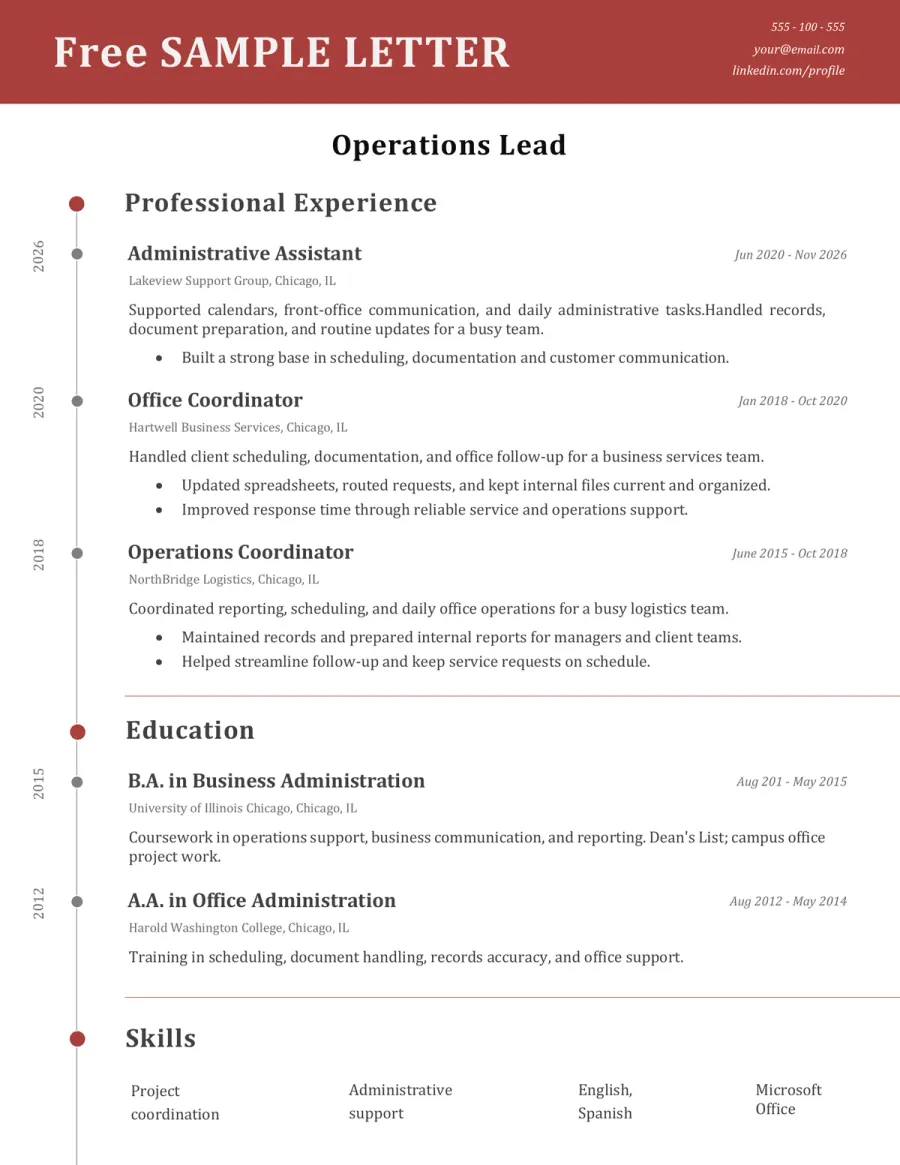
This page brings together free resume and CV templates for broad job families, common applicant situations, and hiring-focused design needs. From office roles and healthcare to internships, student applications, and editable Word resume layouts, this hub helps you compare stronger formats before opening the full sample.
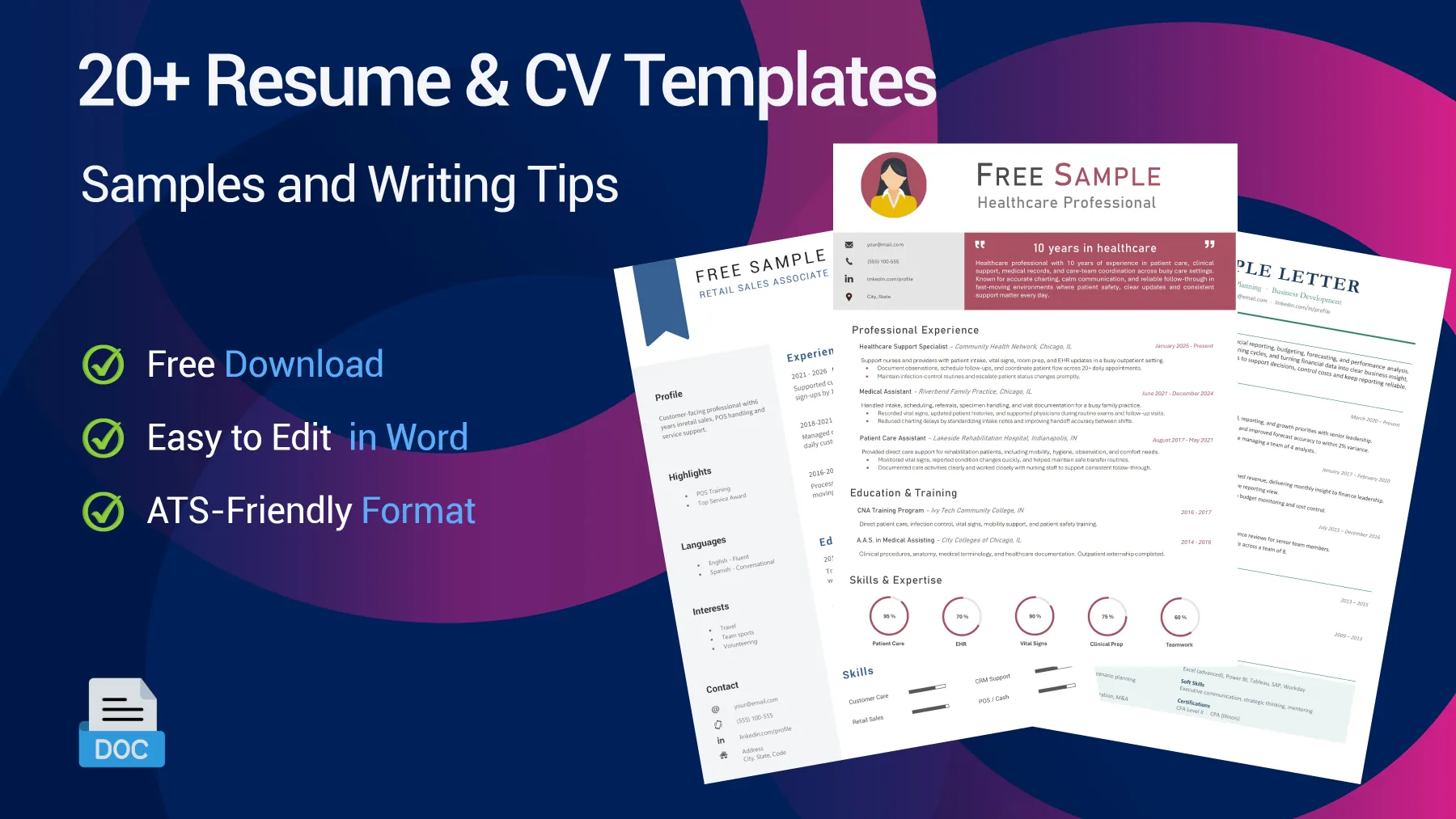
Browse Resume & CV Templates by Job Family, Situation and Style
Open the sample that fits your goal, compare the full layout, and adapt the wording to your own profile before downloading the editable Word version from its dedicated page. Need help first? Read our resume writing guide to choose the right structure, section order, and level of detail.
Resume Templates by Job Family
These examples are built around broad career fields rather than one ultra-specific job title, which makes them more useful as a starting point for related roles in the same area.
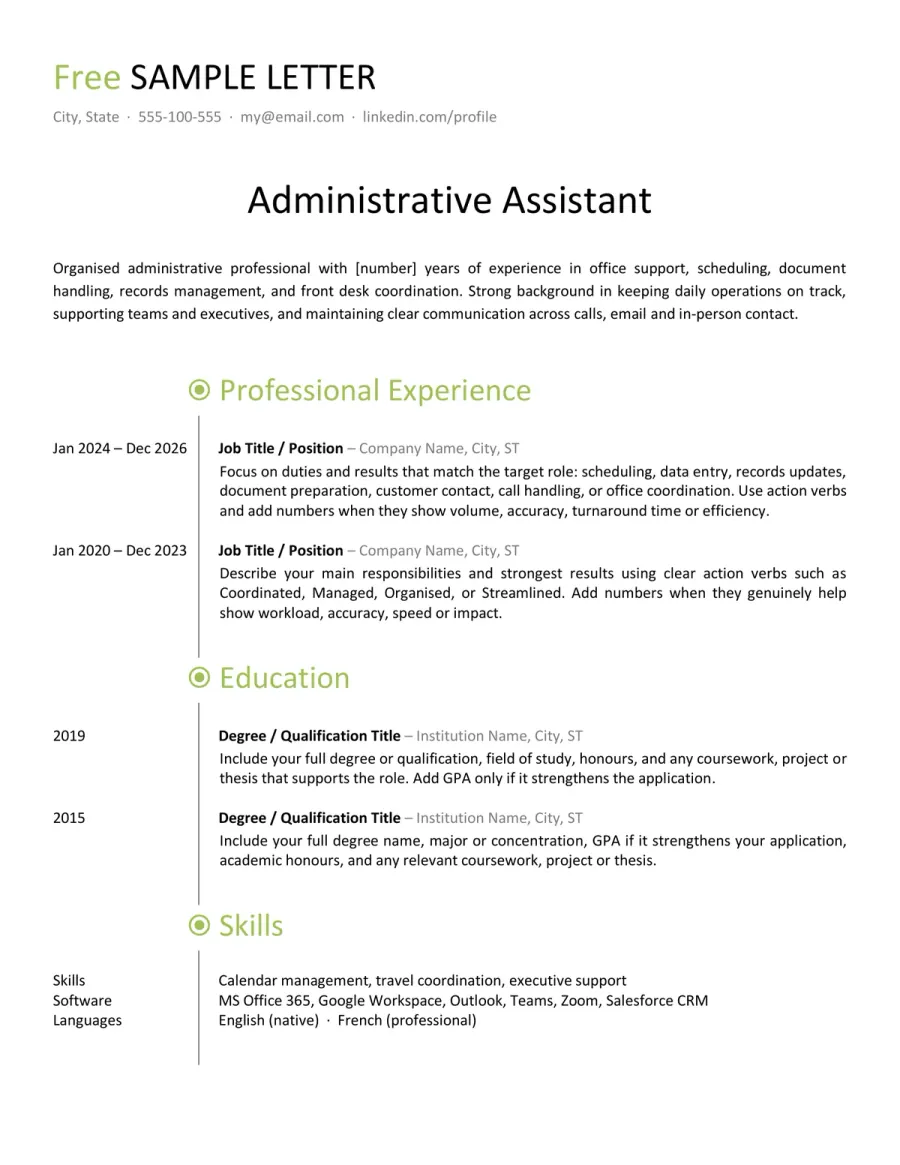
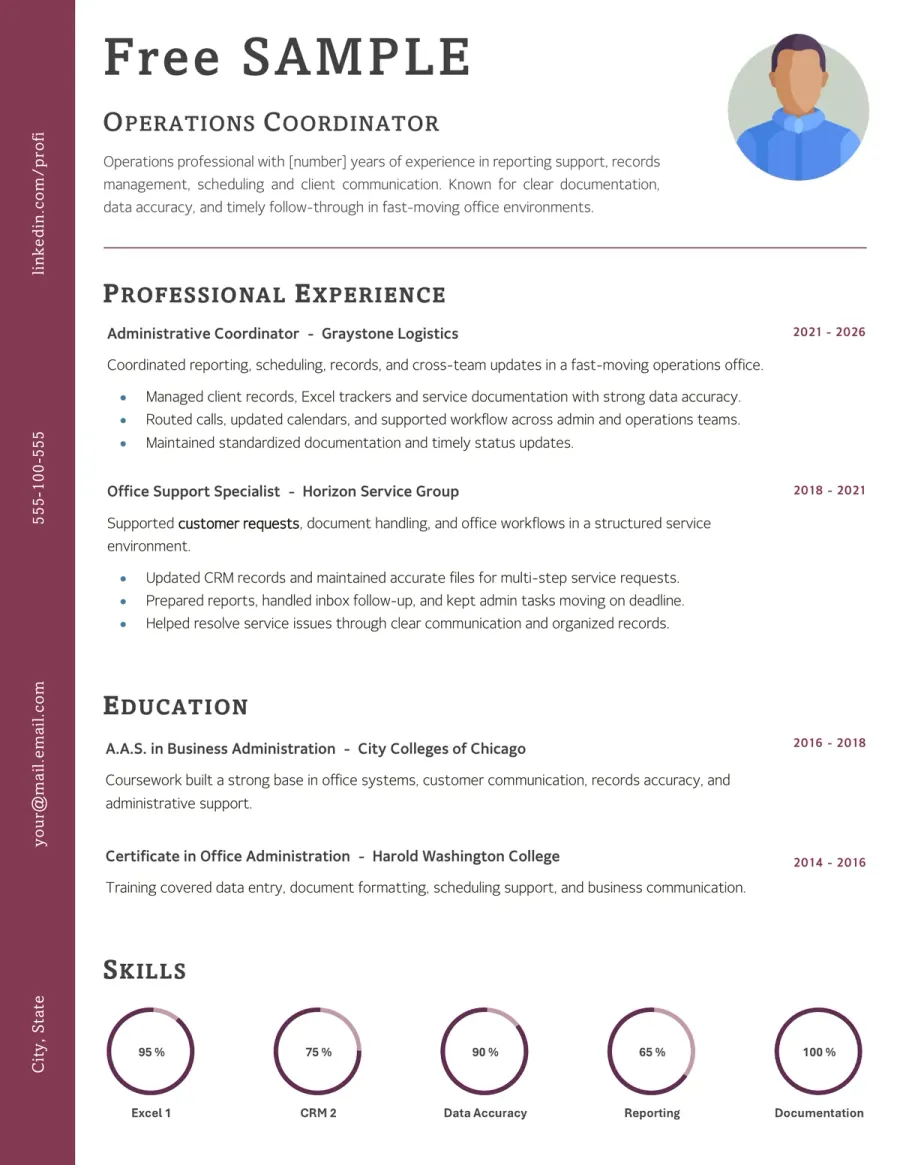
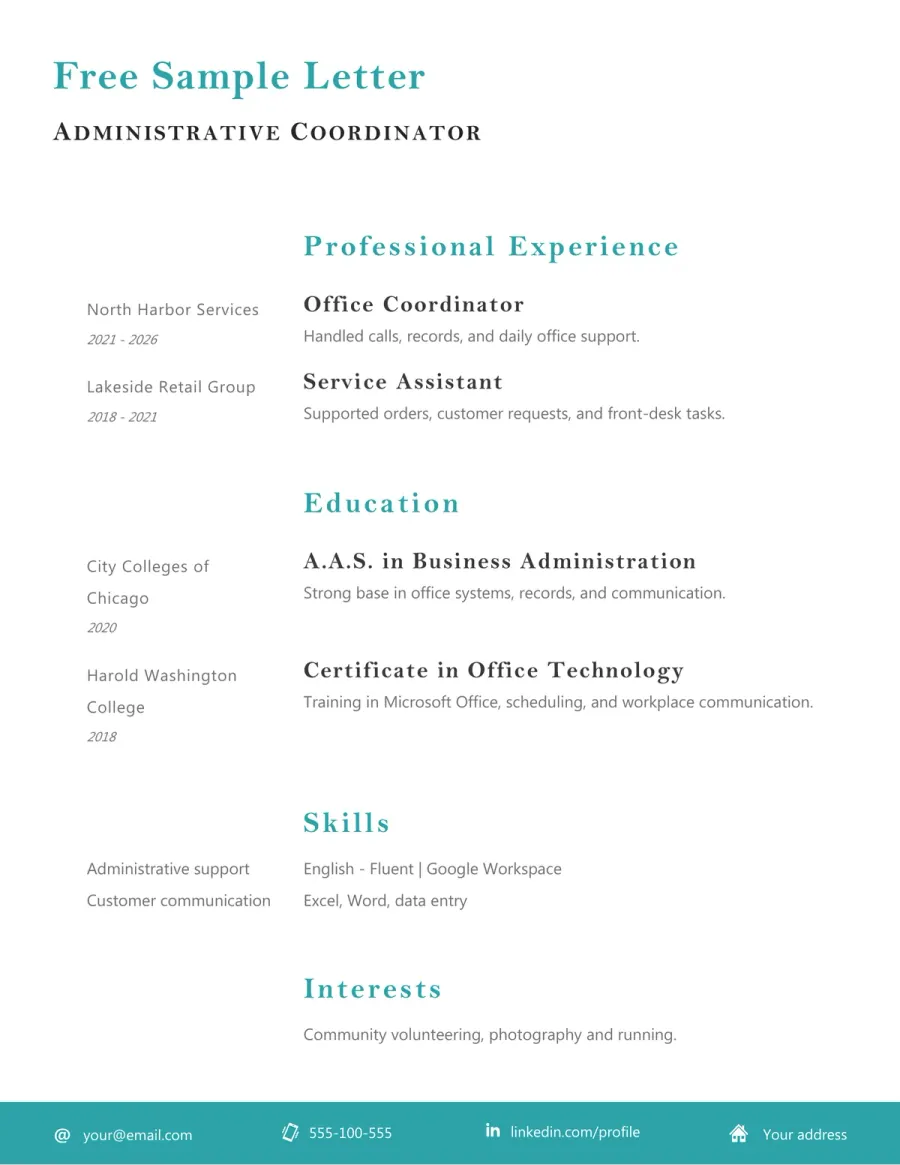
Administrative & Office Resume Template
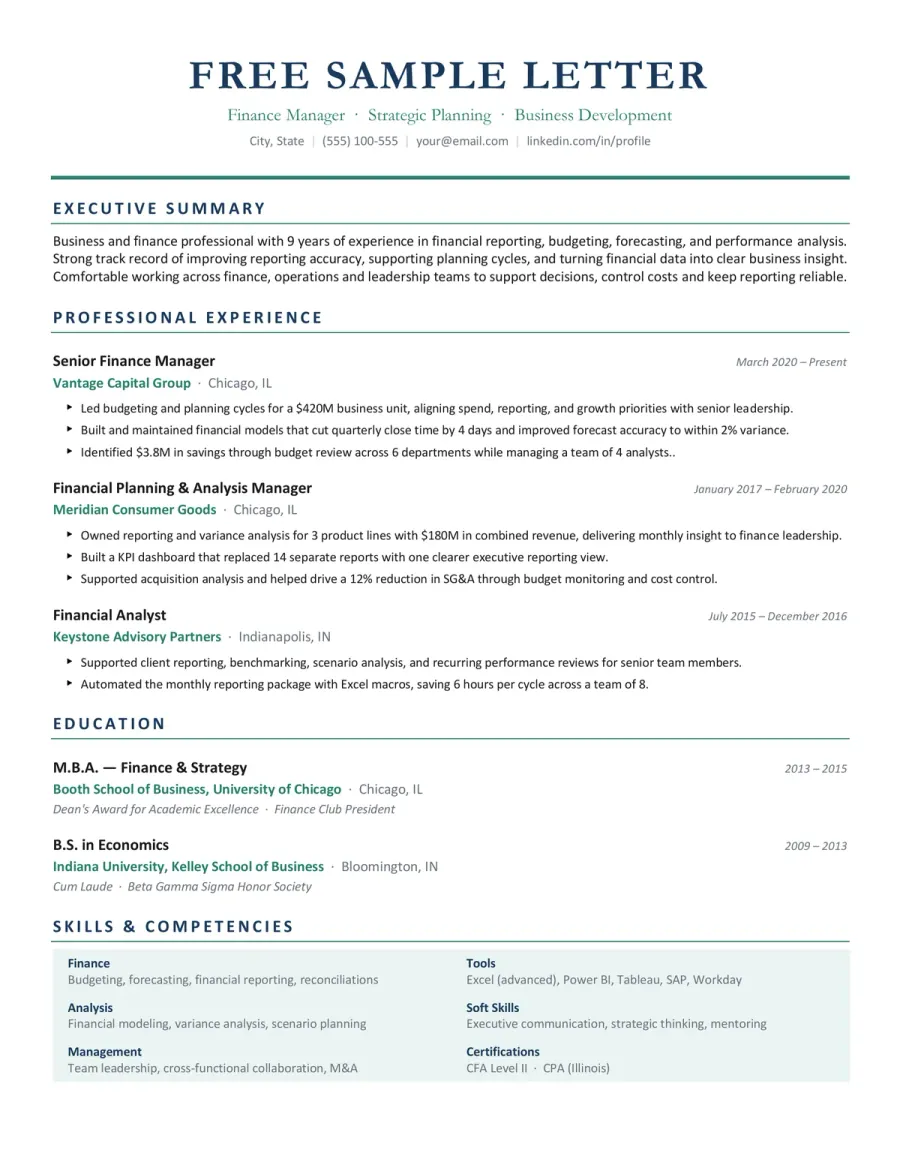
Business & Finance Resume Template
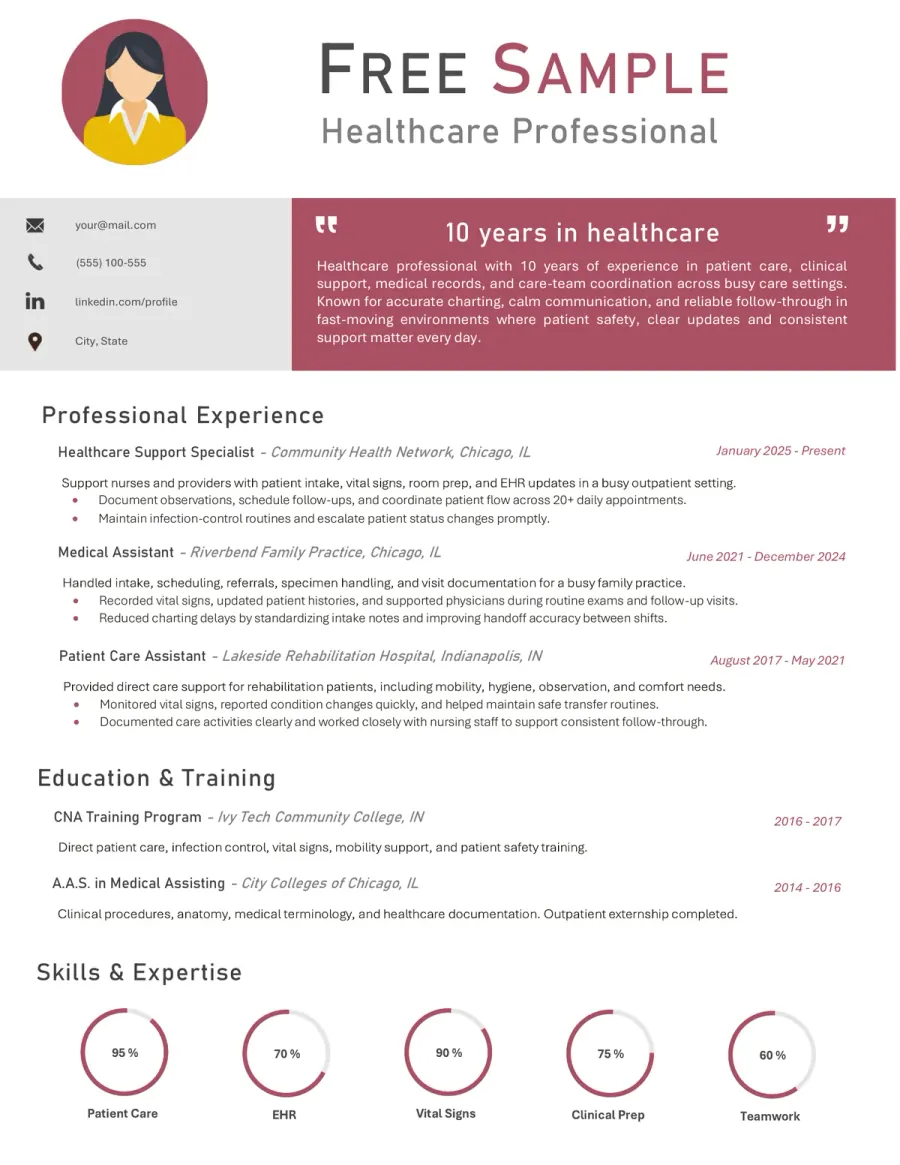
Healthcare & Medical Resume Template
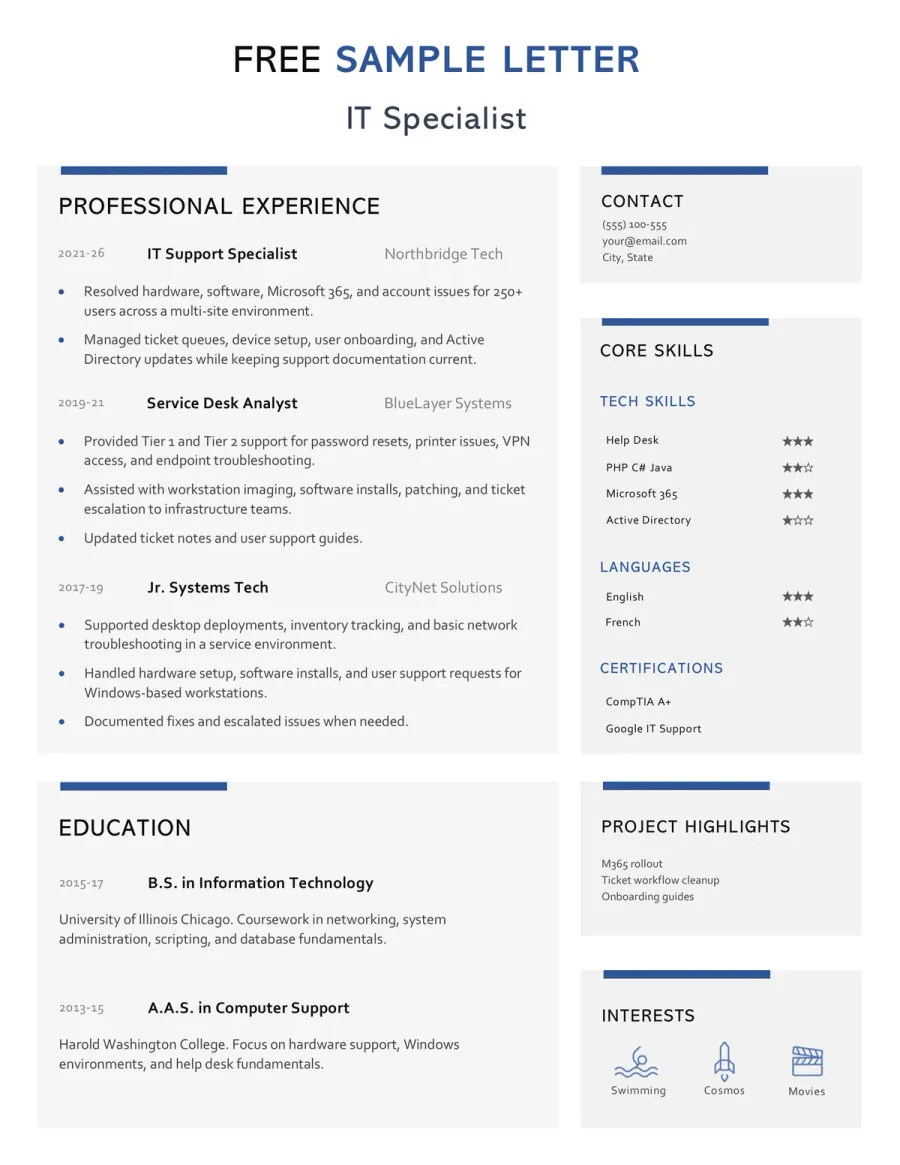
Computer & IT Resume Template
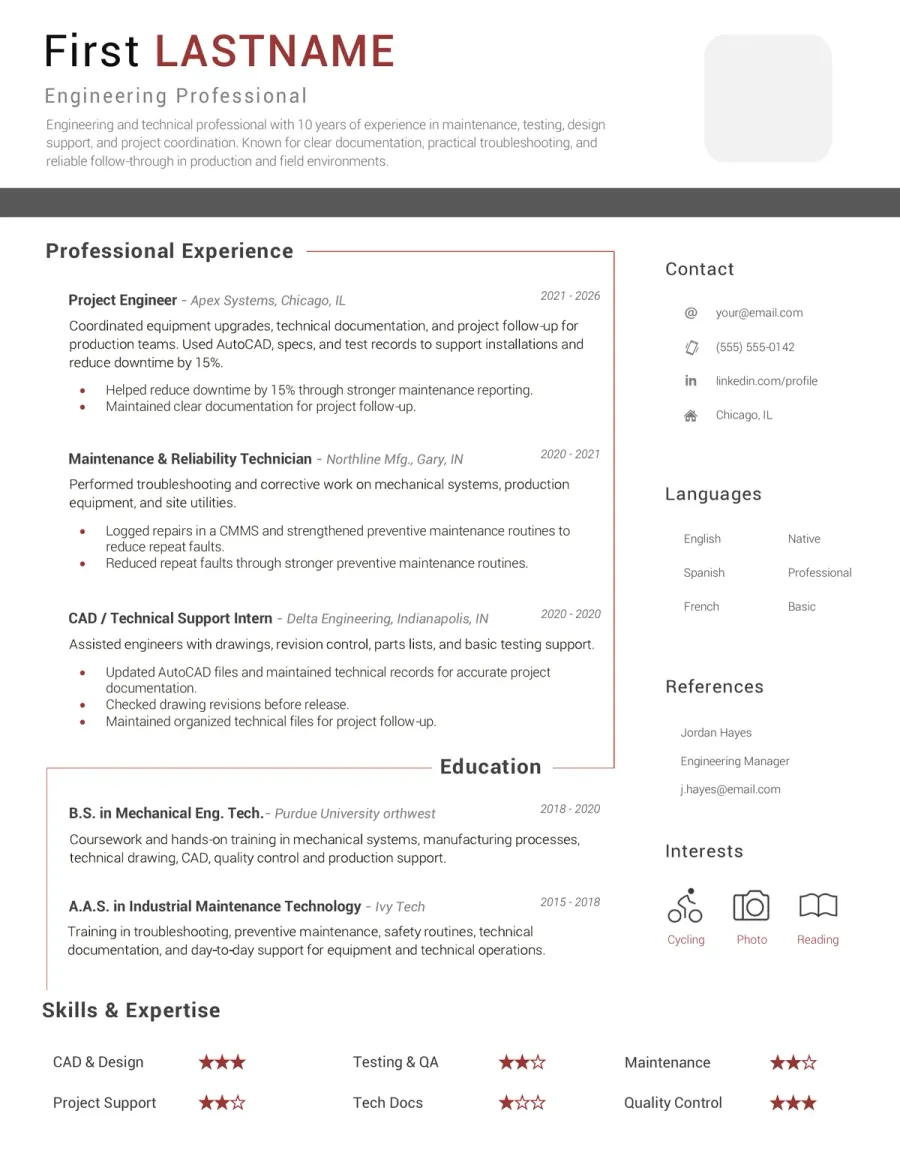
Engineering & Technical Resume Template
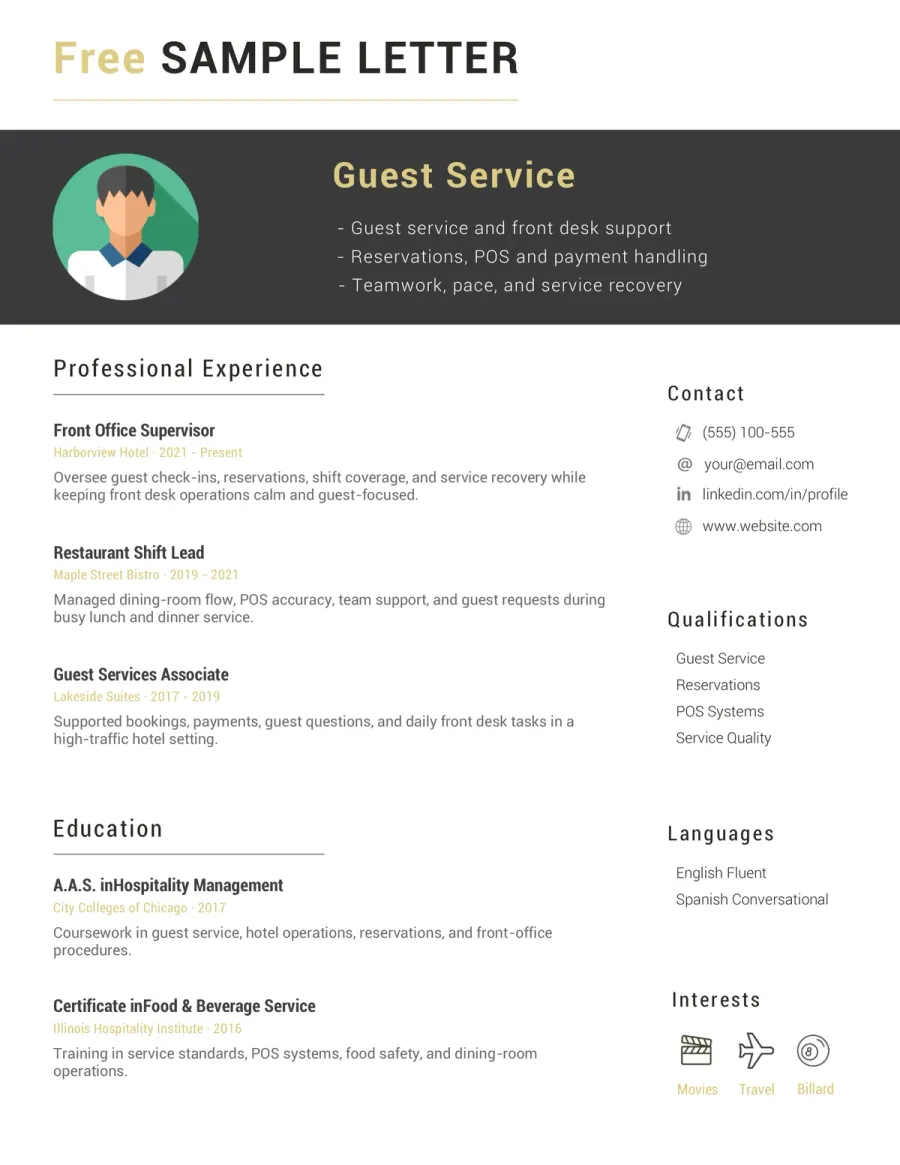
Hospitality & Restaurant Resume Template
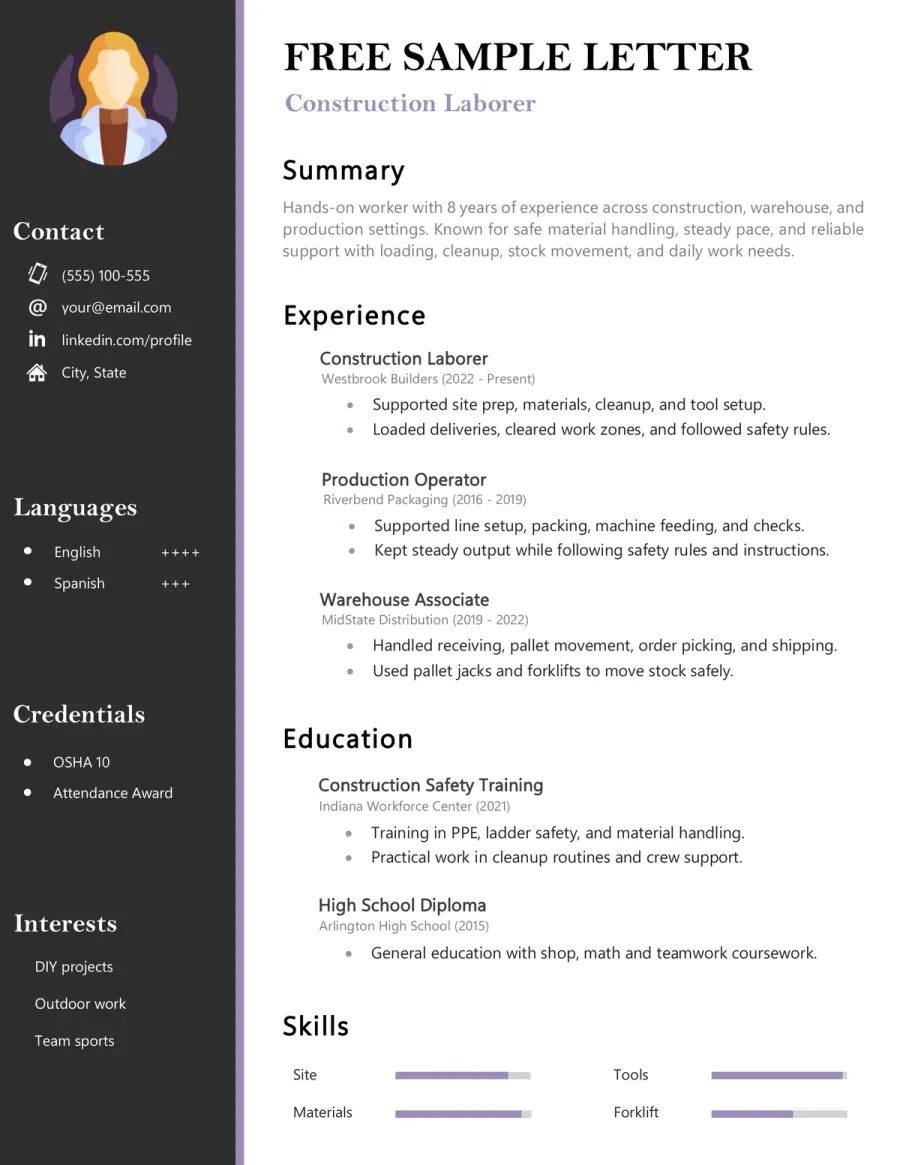
Manual Worker & Construction Resume Template
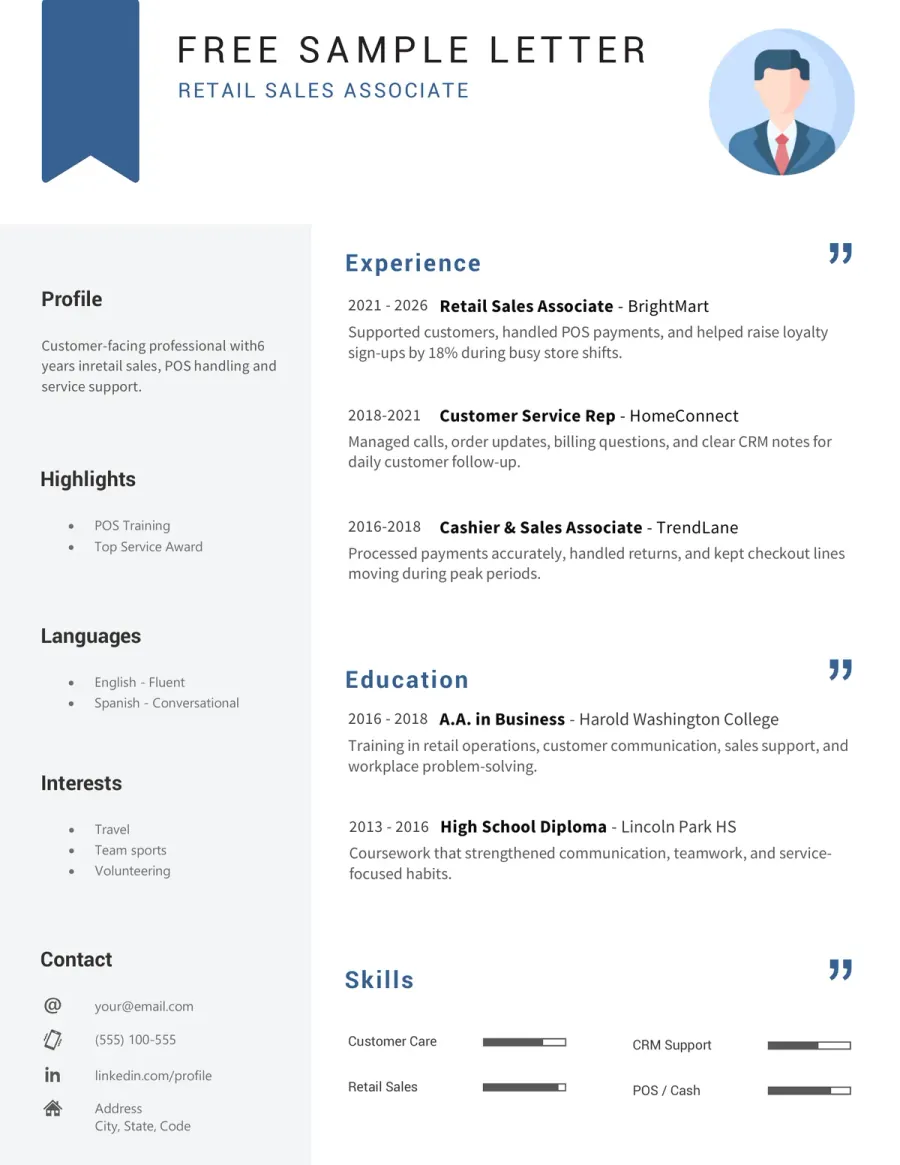
Sales & Customer Service Resume Template
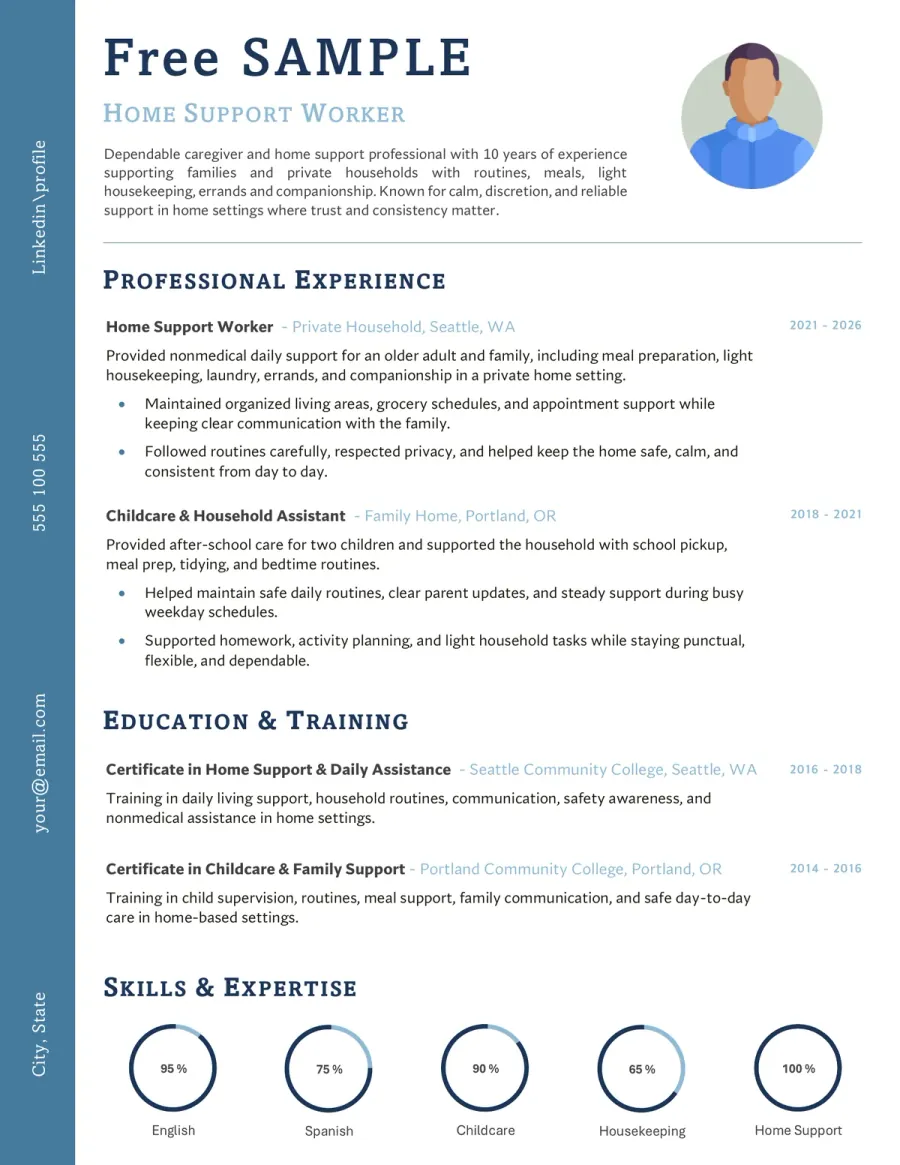
Caregiver & Personal Services Resume Template
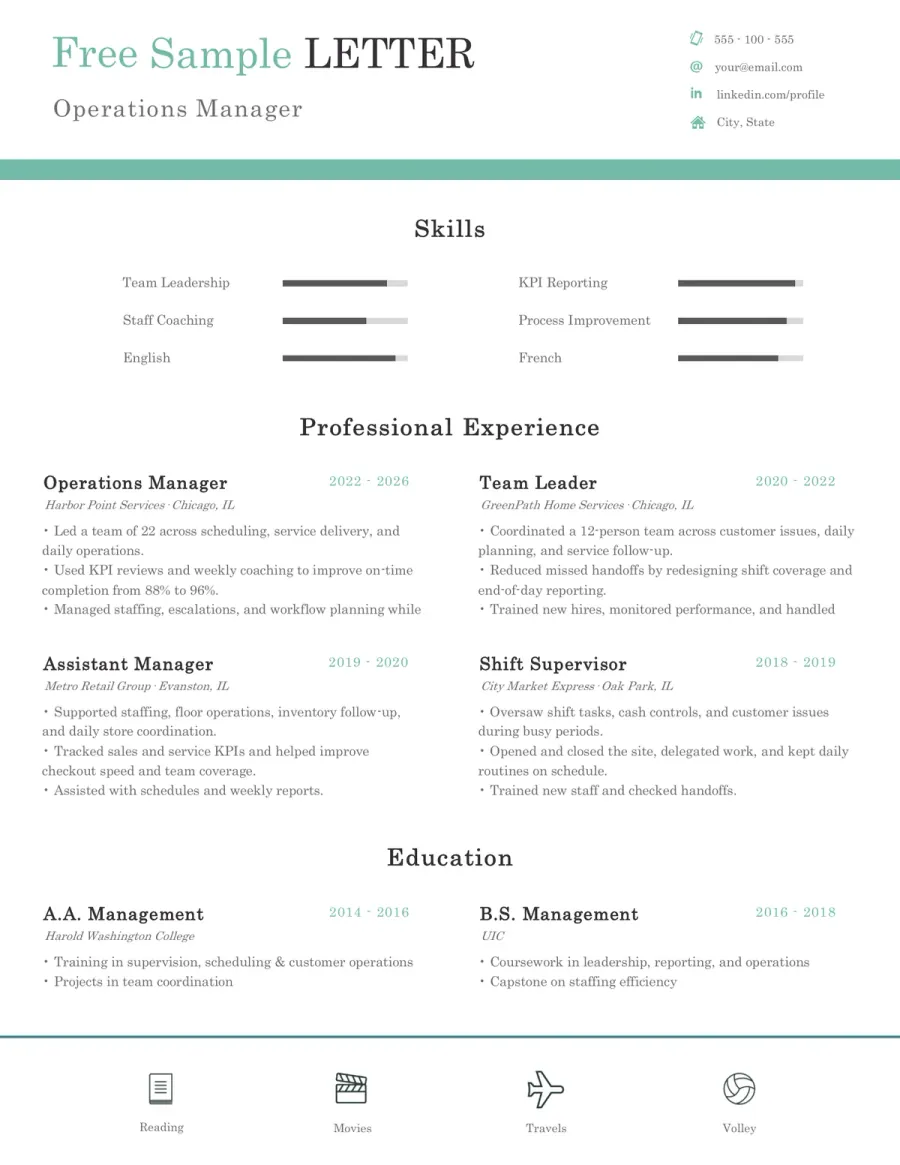
Management & Executive Resume Template
Resume Templates for Common Situations
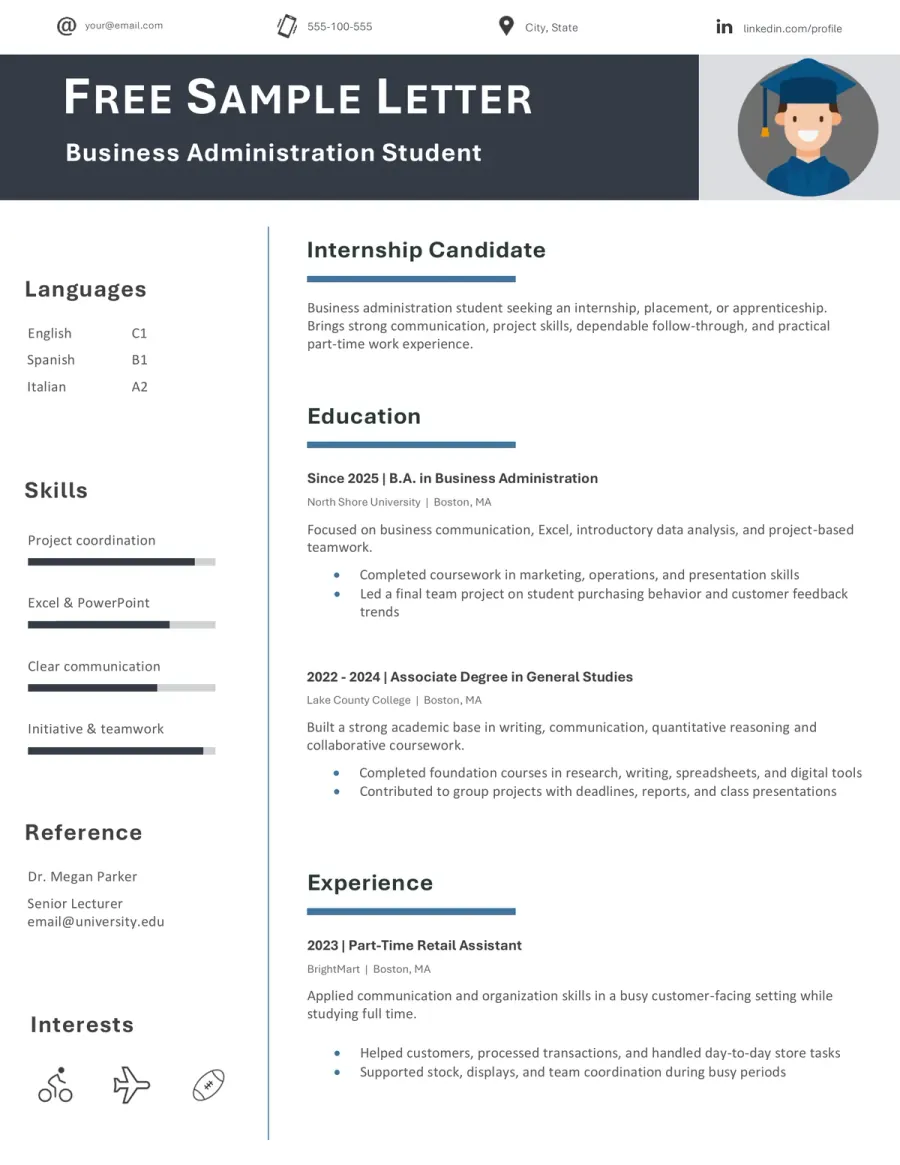
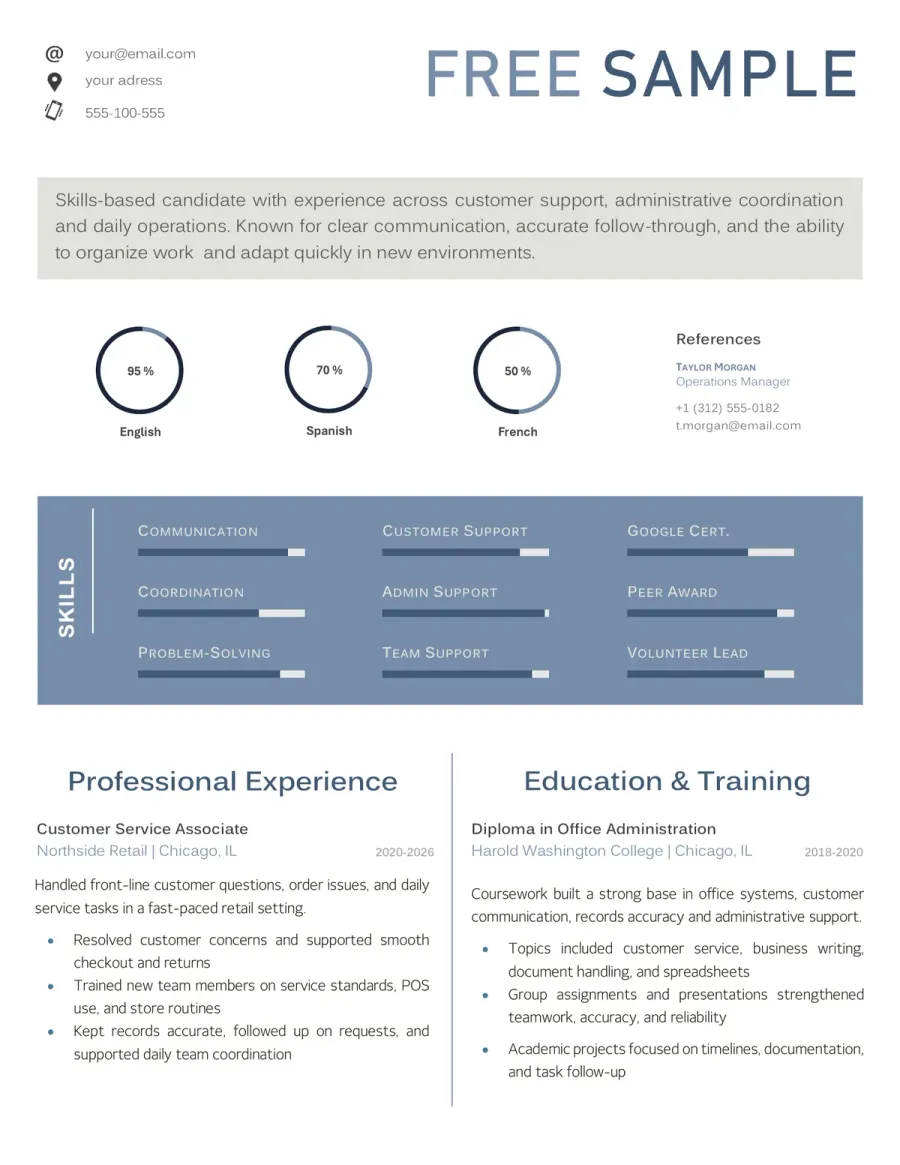
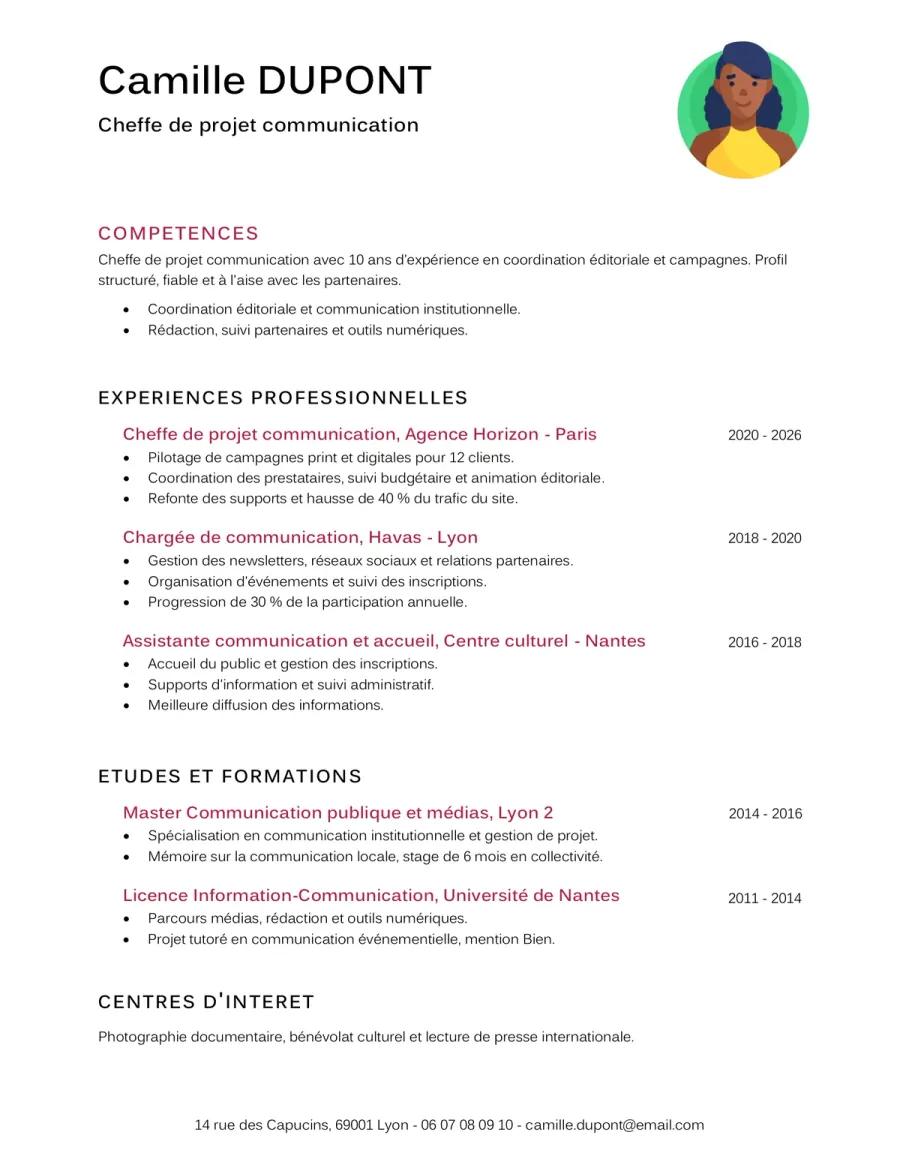
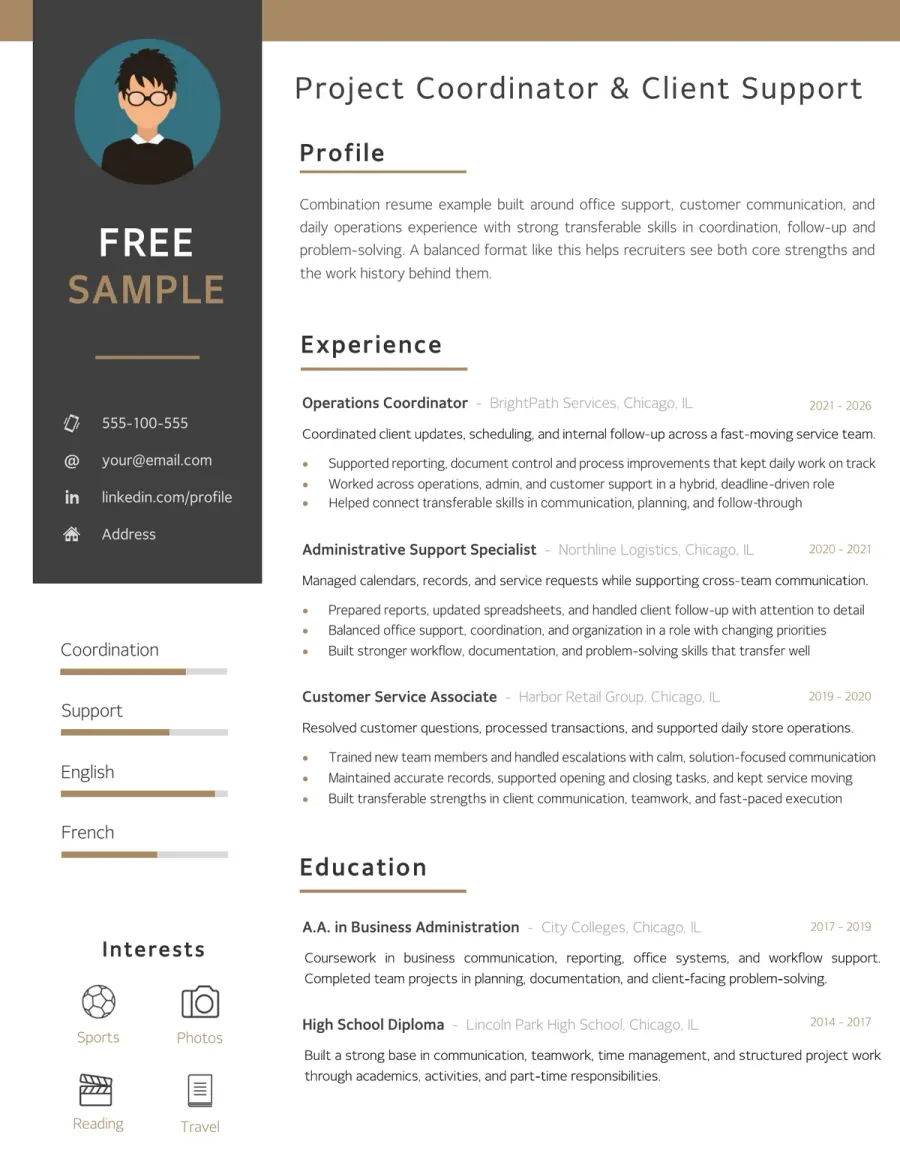
These examples reflect common real-life needs such as studying, applying for an internship, writing a French CV, or leading with transferable skills.
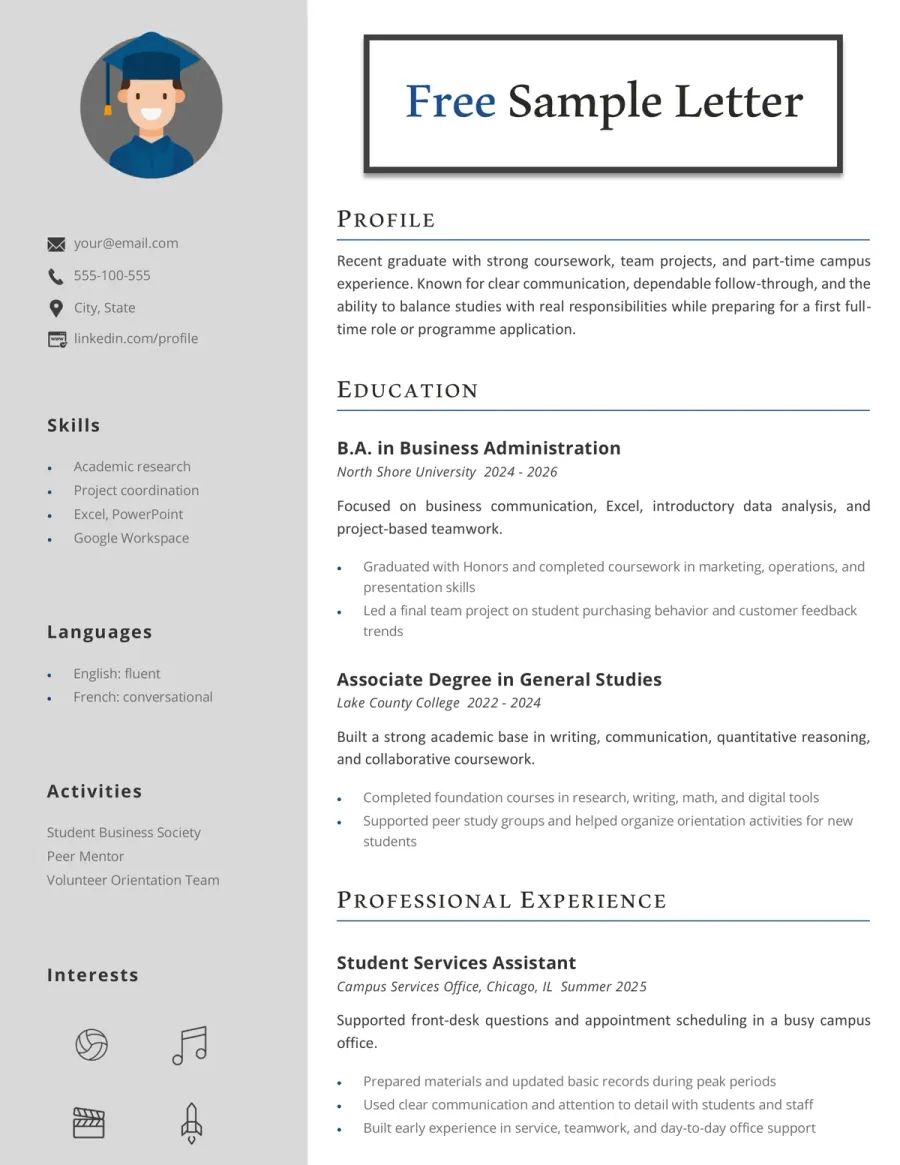
Resume Templates by Hiring Goal and Style
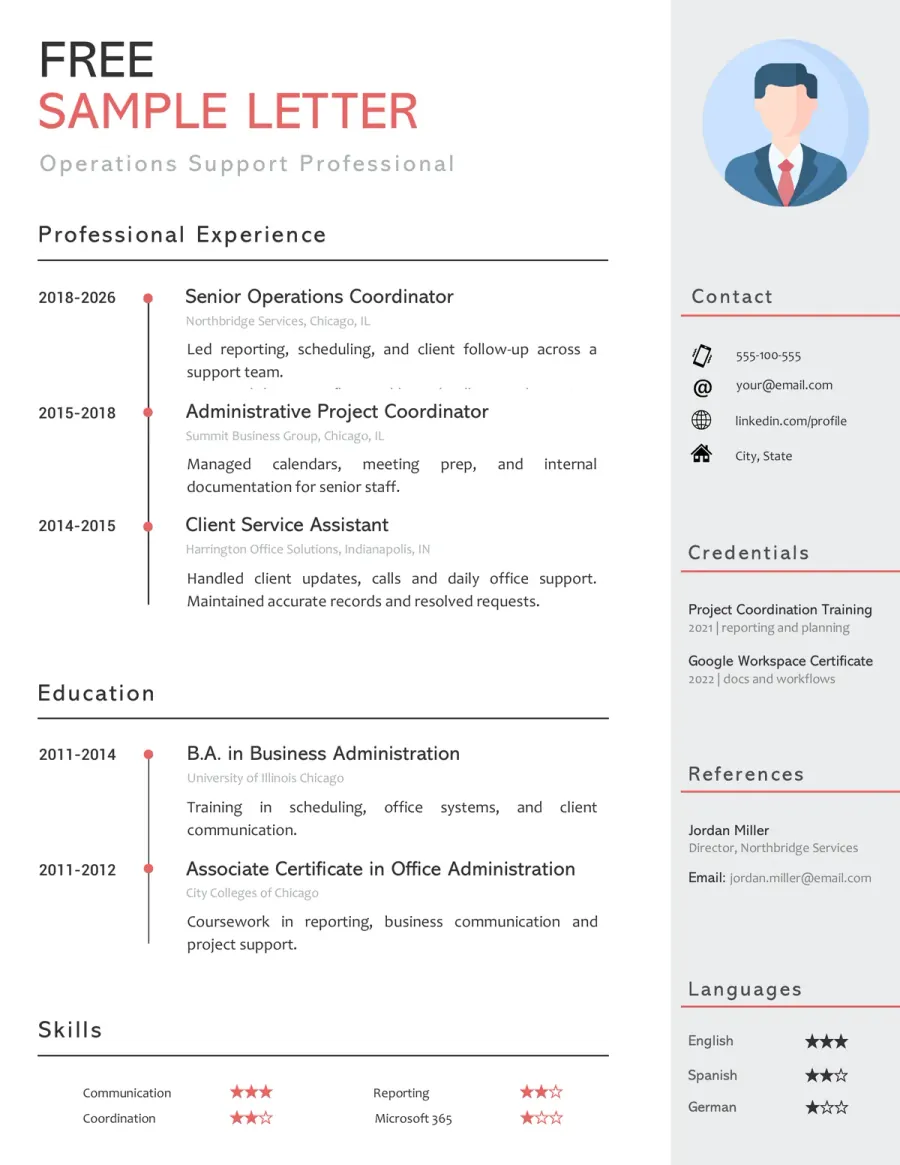
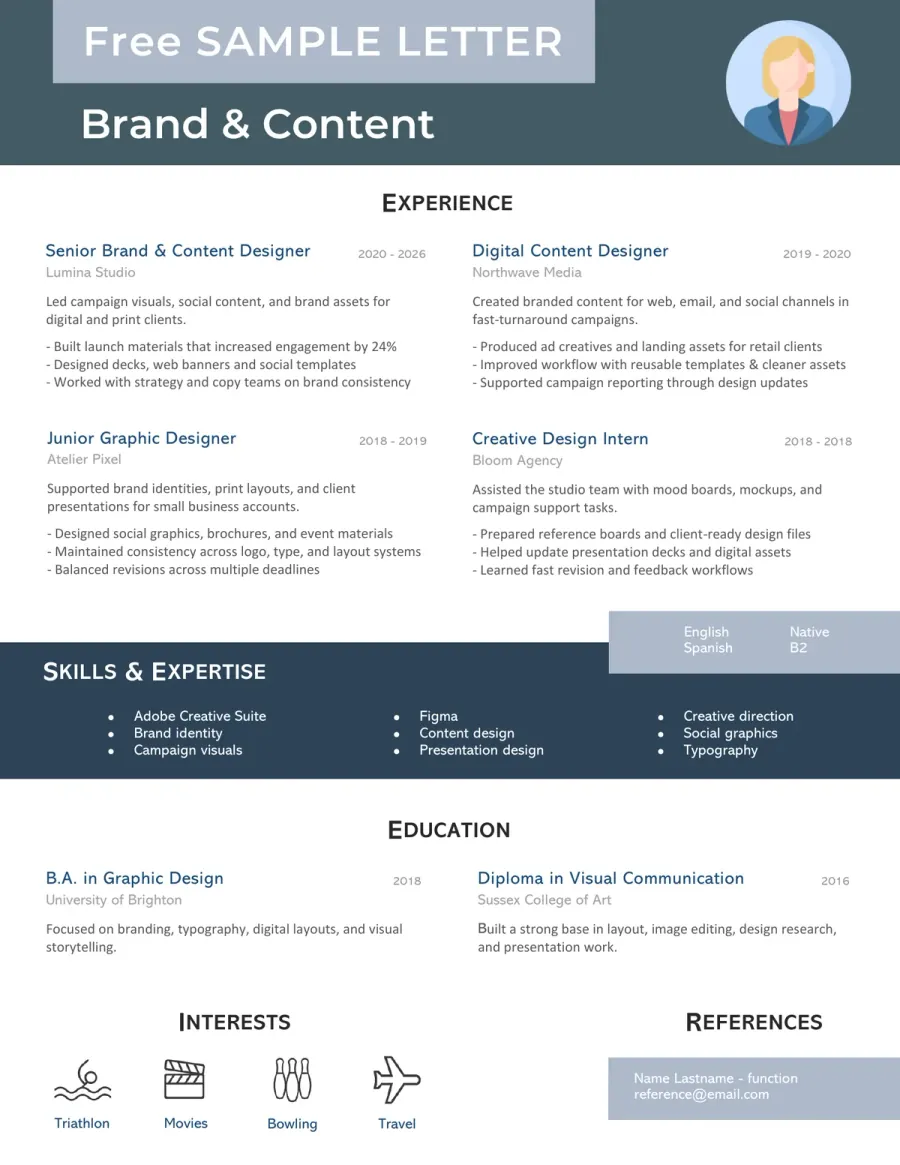
These layouts are built around readability, formal presentation and modern visual impact rather than one single profession.
Resume Template FAQ
How do I choose the right resume template? Toggle answer
Start with your situation first. A student, a caregiver, an office applicant, and an IT candidate do not need the same structure. Pick the sample that matches your field or hiring goal, then adapt the wording to your own profile.
What is the difference between a CV and a resume on this page? Toggle answer
This hub uses both terms because job seekers search with both. The examples here are designed for real job applications, with concise sections, readable headings, and layouts that are easy to customize.
Will the formatting stay the same in Word, LibreOffice and Google Docs? Toggle answer
Usually, yes for the main structure, but small formatting differences can appear from one program to another. Fonts, spacing, line breaks, and page length may shift slightly, so it is always worth checking the final version before sending or printing your resume.
Should I use an ATS-friendly resume template? Toggle answer
Yes, especially if you apply online. A clean layout with standard headings, readable spacing, and a logical section order is usually safer than a design that looks impressive but is harder to scan.
Which resume template is best for a student or internship application? Toggle answer
A simpler format is usually the strongest choice. Student and internship resumes should give more room to education, projects, relevant skills, and practical experience instead of forcing a long work-history section.
Can I use the same resume template for different jobs? Toggle answer
You can start from the same base, but you should always adapt the title, summary, keywords, and highlighted strengths to the job you want. A generic resume rarely performs as well as a targeted one.
Do I need a modern design to make my resume stand out? Toggle answer
Not always. A modern layout can help, but readability matters more than decoration. The best resume is the one that makes your strengths easy to understand at a glance.